It doesn't turn on when I press the power button.
The light not turning on, briefly turning on and off, or getting stuck on the HP logo creates different control areas.


Is your HP Victus, OMEN, or other HP laptop not turning on, not charging, overheating, or having screen problems? By checking the model and product number, we determine the appropriate repair option for your device, and begin the paid repair process after you approve it.
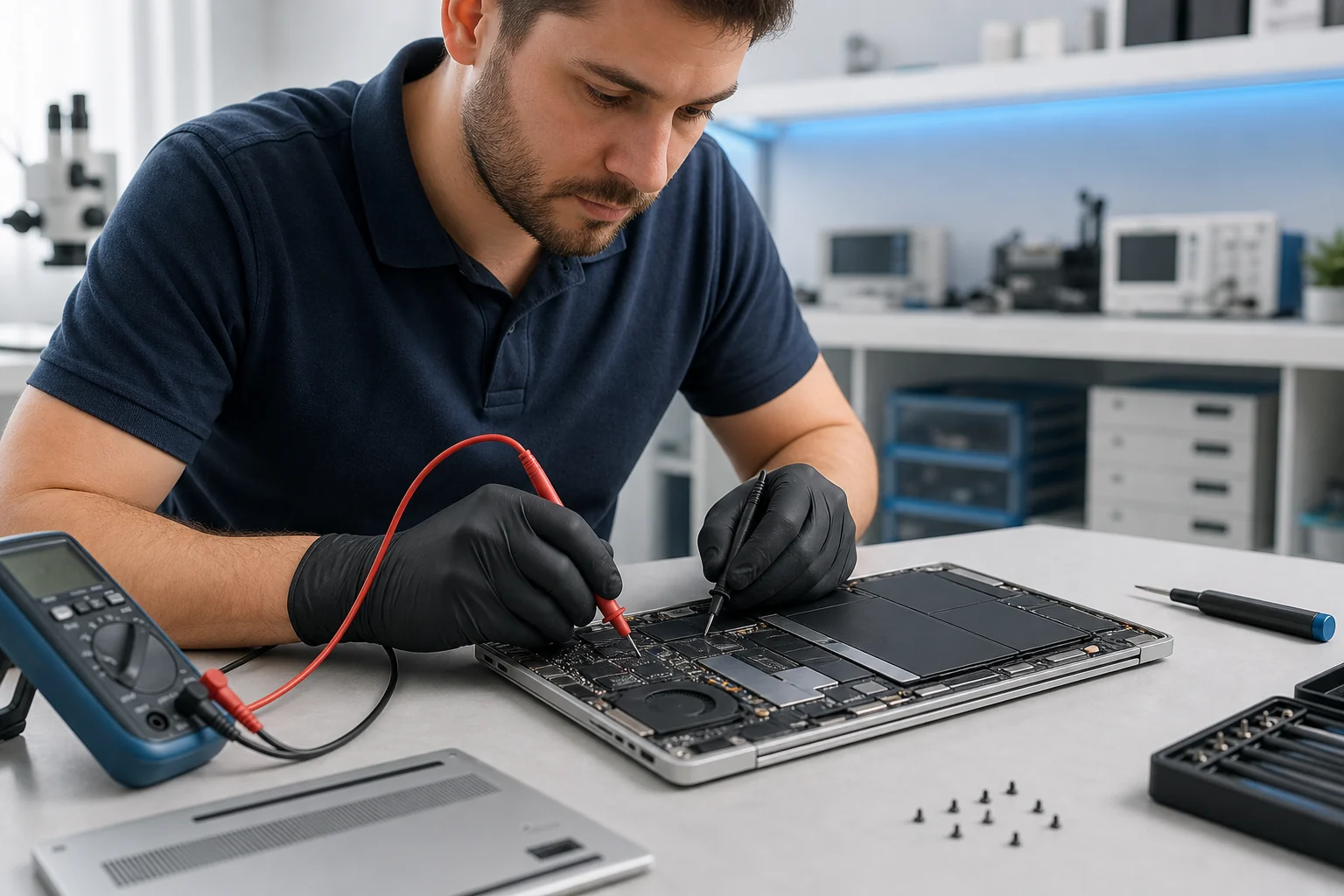
You don't need to know the name of the fault. You can select the symptom you see to go to the relevant service details, or you can contact us with the model information.
The light not turning on, briefly turning on and off, or getting stuck on the HP logo creates different control areas.
The adapter, USB-C or round charging port, battery, and motherboard input line are all considered separately.
Panel type, resolution, touch functionality, and connectivity are verified by product number.
In the Victus and OMEN models, the fans, air ducts, and temperature behavior under load are examined together.
Hinge resistance, screw holes, screen cover, and pressure on the video cable are all checked together.
Disk health, SSD format, RAM configuration, and upgrade support are checked on a model-by-model basis.
Black screen, overheating, and lid problems, which are often researched as chronic issues with HP Victus devices, can all stem from different causes. At our Beylikdüzü service center, the solution is determined based on the exact model code and device inspection.
Symptom: The screen remains dark while the fan and power lights are running, there is no image on startup, or the image cuts off when the lid is moved.
Service evaluation: The panel, display cable, RAM, BIOS, and video outputs are evaluated separately. Obtaining an image on an external monitor alone does not identify the faulty component. The solution plan for replacing the screen, cable, or motherboard is determined based on the findings.
Laptop screen inspection and replacement.Symptom: The device goes to sleep with the lid open, or the screen turns off along with the lid position.
Service evaluation: Lid detection behavior, sleep settings, and display connections are compared. The Hall sensor or related circuit is only considered for repair if the model and measurement results are verified; not every black screen indicates a Hall sensor failure.
Learn about HP Victus Hall sensor failure and repair process.Symptom: Performance drops during gameplay, the fan running at high speed, or the device shutting down.
Service evaluation: Temperature, operating frequency, fans, air ducts, and adapter are all monitored together. Fan cleaning and model-specific thermal maintenance are planned as needed; behavior under load is compared after maintenance.
Fan cleaning and thermal maintenanceSymptom: Problems such as the case separating when opening the lid, difficulty with the hinge, poor connection at the adapter, or failure to charge.
Service evaluation: Hinge and casing damage, as well as charging malfunctions, are examined separately. Hinge connections, screen cable and casing slots; charging adapter, socket, battery and power circuit are checked. The repair and parts selection are determined according to the nature of the damage.
Hinge and frame repair optionsIn the OMEN 15, 16, 17, and Transcend families, the hardware configuration varies depending on the model. The source of a problem, referred to as a chronic fault, is identified in your device by evaluating the model and the conditions under which it occurs.
Symptom: The power light is on but there is no image, unexpected sleep mode, or failure to complete the startup process.
Service evaluation: The power, memory, BIOS, and display cables are examined using the model and product number. If cover detection is suspected, the sensor and related connections are also checked. A decision to replace the sensor or motherboard is not made solely based on the symptom.
Laptop not turning on reviewSymptom: System instability or a black screen upon restart after undervolting.
Service evaluation: HP attributes this issue to exceeding the permitted undervolting limit in some OMEN and Victus models with Intel processors. For example, the Victus 16-r0000/16-r1000 and OMEN 16-wf1000 are mentioned in the relevant bulletin. The problem is not considered a hardware failure without checking the last settings and product code.
BIOS and boot problem analysis.Symptom: Shutting down under load, freezing, FPS fluctuation, or noticeable fan noise.
Service evaluation: The cooling system, temperature and frequency behavior, power supply, and performance settings are evaluated together. After identifying any maintenance needs or other hardware issues, a solution is recommended.
Thermal maintenance scope for OMEN.Symptom: Charging fails, disconnects, or displays a power insufficiency warning while the adapter is connected.
Service evaluation: The adapter and cable compatible with the device, the input socket, battery status, and charging circuit are checked. USB-C charging support is not the same for every OMEN model; support and power requirements are verified by the product code.
Charging socket and power cable inspectionFor undervolting and startup issues in specific models. HP's official OMEN/Victus support bulletinThis bulletin does not indicate that all black screen issues are caused by the same reason.
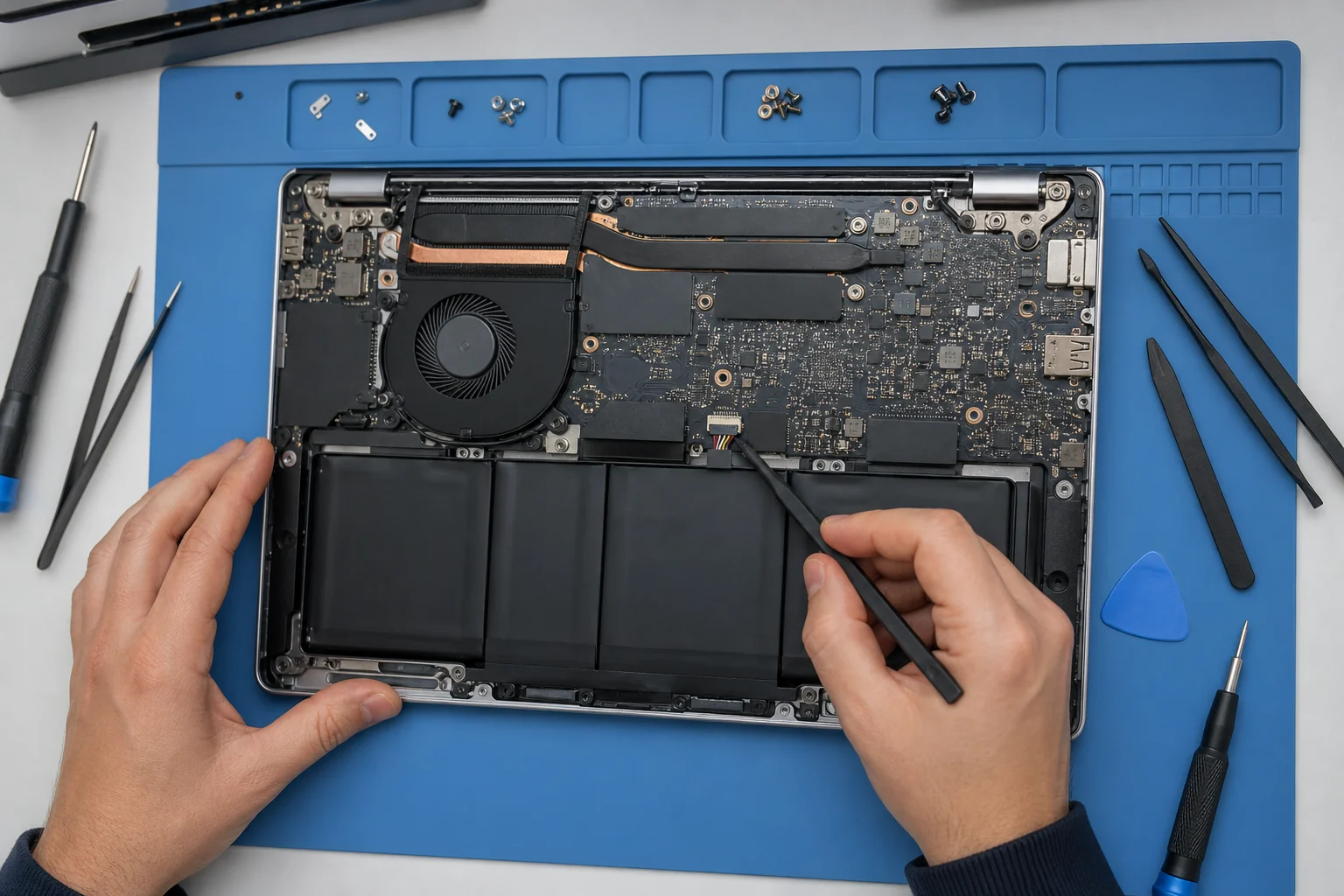
For example, charging problems may not be caused solely by the battery. The same symptom can also be caused by the adapter, socket, input line, or power management.
We accept both current and older HP laptops at our service center. Repair capability and parts compatibility are assessed based on the exact model and product number, not on sales pitch.
In-game shutdowns, high temperatures, fan noise, and visual and power issues are evaluated based on the model's architecture.
For models with slim bodies, touch or OLED displays, USB-C connectivity, and soldered memory, the exact code is particularly important.
In standard and x360 cases, screen, hinge, keyboard, battery, charging, and storage options may vary depending on the sub-model.
In addition to the model code, data sensitivity, adapter, and connected units used are added to the service record for work devices.
In ZBook models used for graphics, rendering, and engineering workloads, power, temperature, graphics card, and storage stability are considered together.
For everyday use and business-oriented models that do not have a serial name, the product number on the bottom cover provides accurate identification.
On models using ChromeOS, power, screen, keyboard, battery, and physical connection failures are examined according to the device's specifications.
For discontinued models, repair options and parts availability are assessed separately based on the exact product code.
If your model doesn't appear in the list, please send the Model and Product No. lines from the bottom cover of your device . The same sales name may be used for different screen, keyboard, battery, or motherboard configurations.
“Victus 16” or “Pavilion 15” simply indicate the product family. The model code and Product No. line on the bottom cover make it easy to check screen, keyboard, adapter, and battery compatibility.
The serial number is the personal identifier of your device. Do not share it in public comments; further guidance will be provided during the service consultation if needed.
The codes here are for illustrative purposes only; they are not used for ordering parts.
Not every repair requires the same accessories. The following short checklist makes it easy to examine the device under real-world operating conditions.
Especially with Victus, OMEN, and ZBook models, it's helpful to compare the adapter used by the device.
If the label is legible, taking a photo of it before bringing the device will provide a preliminary check for part compatibility.
If disk, Windows, or storage issues may arise, clearly state your data needs in the service request.
If it occurs while charging, during gameplay, upon lid movement, or after entering sleep mode, it can be a significant clue.
The model, specifications, and any accessories left behind are recorded. Paid repairs will not begin until you are informed of the applicable procedure and its cost.
The HP serial name, model, product number, fault indication, and the adapter delivered are recorded.
The device is examined in terms of the relevant components that constitute the behavior described by the user.
The available procedure, part compatibility, estimated time, and cost information will be shared.
After the process is approved, the functions related to the malfunction are checked and delivery information is provided.
Our service point is located at Paradise AVM in Adnan Kahveci Neighborhood. We accept HP laptops from Beykent, Gürpınar, Kavaklı, Yakuplu and Cumhuriyet Neighborhoods, as well as Avcılar, Esenyurt and Büyükçekmece.
Beylikdüzü / Istanbul
Monday–Saturday: 09:00–20:00 · Sunday: Closed
Direct information regarding price, model code, adapter, screen, battery, and upgrades.
No. Commonly described issues online, such as a black screen, overheating, hinge problems, or charging issues, don't necessarily mean they're a common fault across all models. The exact model, product number, and technical inspection results are considered together.
A black screen symptom alone is not sufficient for diagnosing a Hall sensor problem. The problem is further differentiated by examining the cover detection behavior, display cable, panel, RAM, BIOS, and related circuits.
Not always. Besides cooling, the adapter, power circuit, memory, or system settings are also evaluated. Thermal maintenance is only recommended if a need is identified as a result of the inspection.
The price varies depending on the fault, the exact model, and any parts required. After inspection, information regarding the process and cost will be shared; paid repairs will not begin without your approval.
This information is usually found on a label on the bottom cover, in the Model and Product No. lines. If the label is unreadable, Windows system information or device information from the HP application can be used.
Yes. If you're experiencing issues like charging failure, shutdowns during gameplay, or performance drops, bringing your device with its original adapter makes comparative testing easier.
Model compatibility and battery availability can be assessed after verification. The exact product number is important because different battery codes can be used under the same Pavilion name.
The feasibility of repair is assessed based on whether the damage is to the hinge, cover, top casing, or mounting points. The touchscreen and cable connections may also be checked.
Not always. There could be different possibilities regarding the panel, display cable, memory, BIOS, video line, or motherboard. The part decision should be made after checking.
Many models offer upgrade options; however, the number of slots, soldered memory, supported capacity, and SSD format will vary. Exact compatibility is checked with the full model code.
No. KTeknik Servis is an independent, private technical service that services out-of-warranty devices. For devices under warranty, it is recommended to contact HP's official support channels.
Please share the bottom cover label of your HP laptop and a brief description of the problem you are experiencing. This will allow us to determine if an adapter is necessary and provide preliminary information regarding Paradise AVM device acceptance.