

Beylikdüzü Phone Repair: Screen, Battery and Motherboard
Measurement-based inspection and model-specific repair for broken screens, charging issues, rapid discharge, failure to turn on, or liquid damage.
After review, the solution, part option, cost, and estimated delivery time will be explained before your approval.
- Address: Paradise AVM No:16 Shop:10
- Study: Mon–Sat 09:00–20:00
- Period: Review → Information → Approval → Process
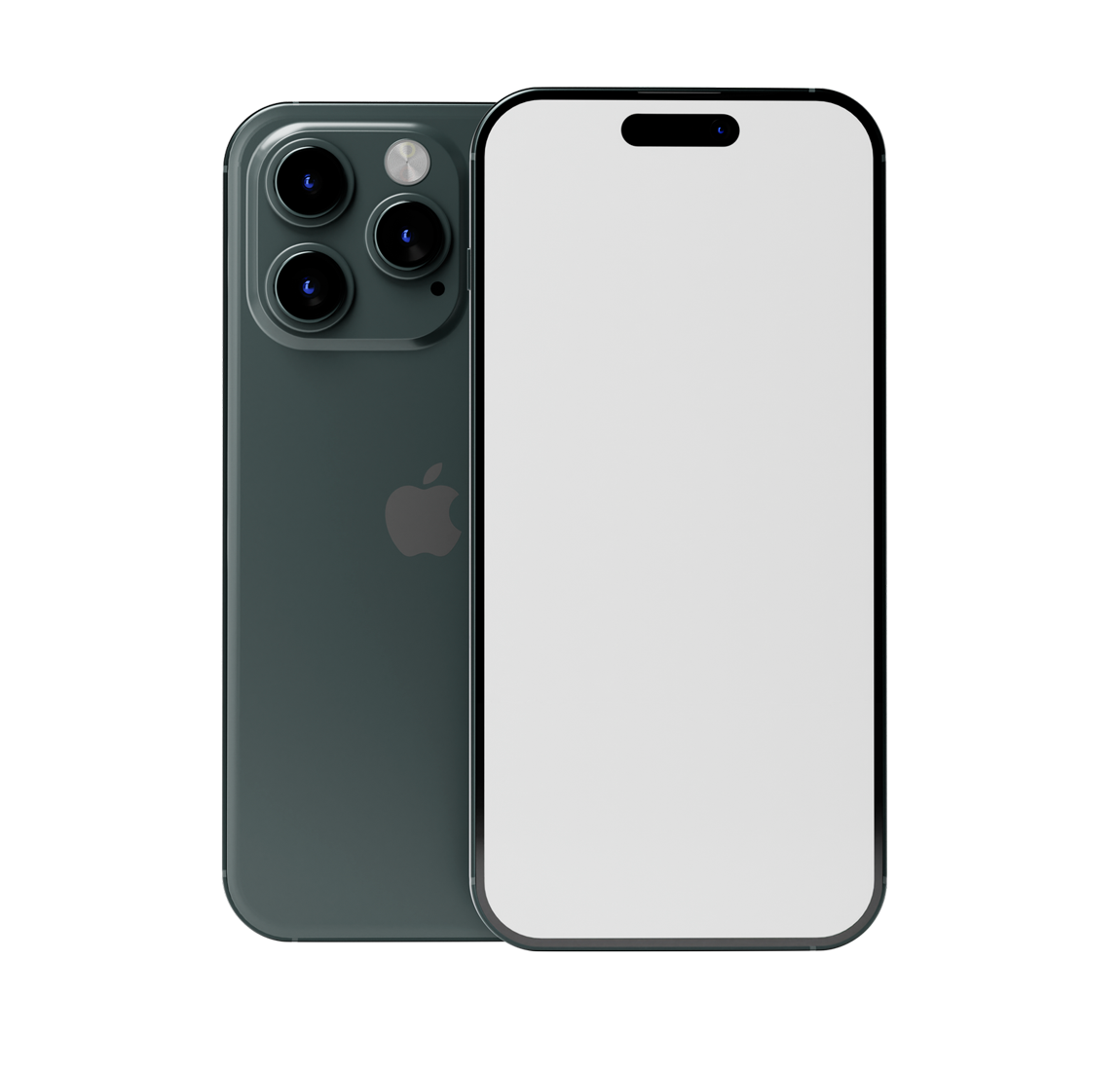
Even if the symptoms are the same, the source of the malfunction may vary.
Symptoms such as failure to power on or charging do not point to a single component. The physical condition, current response, connection lines, and related modules are measured together; instead of unnecessary replacement, a solution appropriate to the available resource is offered.
Scope of Service Net
This content is for mobile phone repairs only. Other device types are covered on their respective service pages.
Measurement Based on Symptom
Impact, liquid, power, image, touch, sound, camera, and connectivity issues are addressed in their respective test sequence.
Approved Transaction
The findings, part specifications, cost, and estimated timeframe will be shared. The process will not begin without the device owner's consent.
Repair Areas from Screen to Motherboard Line
The method is determined based on the make and model, the nature of the damage, and the measurement results.
Screen Replacement
Screen and connectivity checks for cracked glass, no display, color distortion, vertical lines, black spots, flickering, and unresponsive touch.
- OLED, AMOLED, and IPS panel review.
- Touch and display test
- Brightness and sensor check after installation.
Battery Replacement
Rapid discharge, sudden shutdowns, fluctuating charge percentage, overheating, or swelling are all signs that indicate a correlation between battery health and power consumption.
- Battery health and charge cycle check.
- Standby and under-load consumption test
- Information about suitable part options.
Charging Socket Repair
If the cable is not detected, there is a loose connection, slow charging, data connection is interrupted, and the socket is loose, the Type-C, Lightning, or Micro USB cable should be examined.
- In-socket physical and oxidation inspection.
- Charging voltage and current response
- Socket, flex, or motherboard line distinction
Liquid Contact Procedures
Corrosion can progress even if the device is switched on after contact with water, coffee, tea, moisture, or chemicals. It is important to perform an internal check before powering on the device.
- Oxide and short circuit inspection.
- Inspection of affected sockets and lines.
- Functional tests after cleaning
Motherboard and Micro Soldering
Component-level measurements and micro-soldering procedures for motherboard-related malfunctions such as failure to power on, restarts, overcurrent, charging, and video line issues.
- Power and charging line analysis
- Short circuit component detection
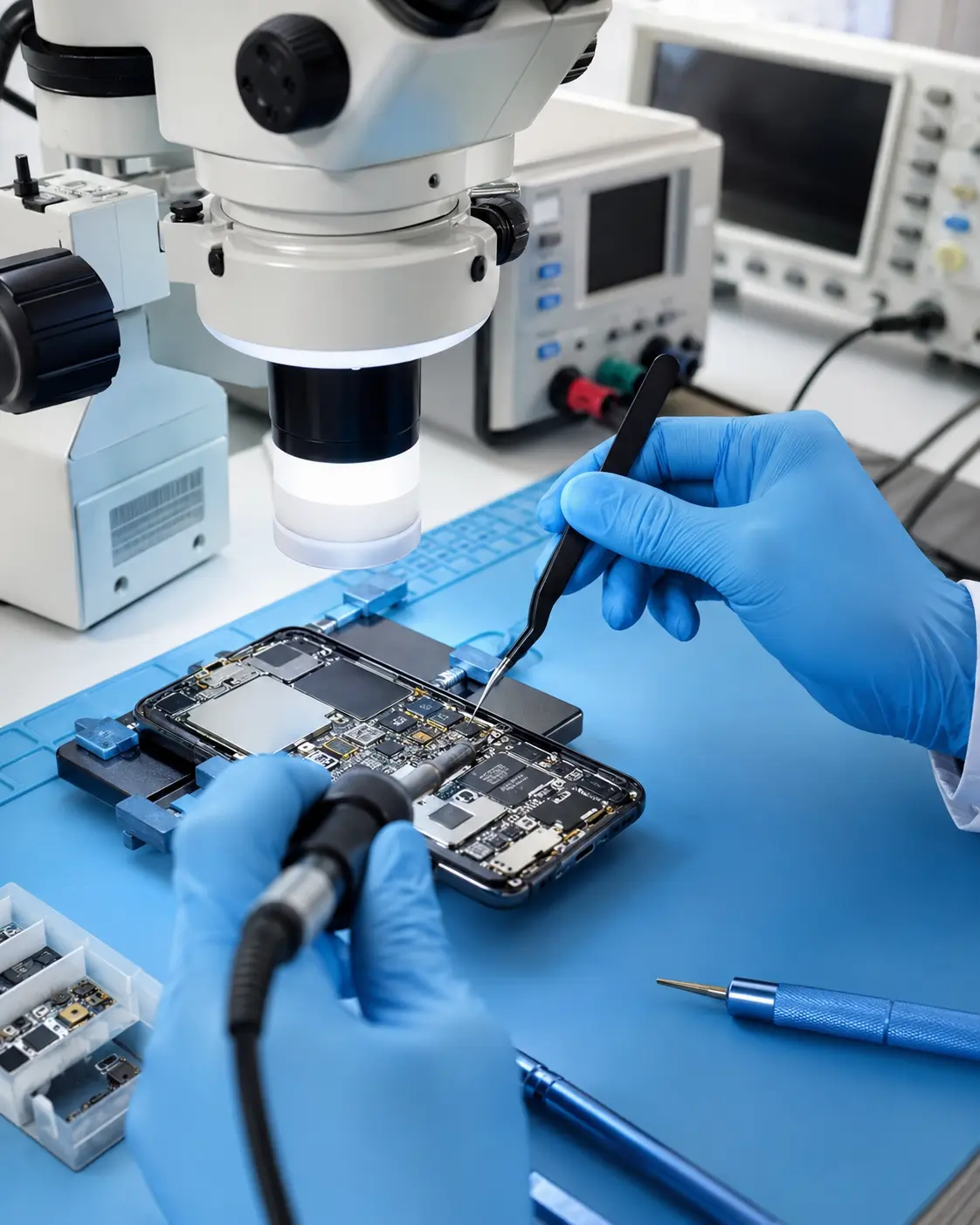
- Soldering under a microscope
Camera and Lens Repair
Module and connection check for front and rear cameras that are out of focus, shaky, producing black images, or have blurry images, as well as cracked outer lens glass.
- Focusing and fixation test
- Camera module connection check
- Lens glass and dust assessment.
Handset, Microphone and Speaker
Acoustic channels are tested in cases where the other party cannot hear, the sound is low during the call, there is static, media sound is cut off, and microphone problems.
- Handset and speaker sound test
- Upper and lower microphone control
- Separation of grille, flex and audio circuit.
Wi-Fi, Bluetooth, and Network
In cases of weak signal, SIM card not being detected, inability to make calls, Wi-Fi disconnection, and Bluetooth connection problems, the antenna, socket, and related circuits are evaluated.
- SIM and antenna connection check.
- Wi‑Fi/Bluetooth function test
- The distinction between software and hardware.
Key, Flex Cable, and Sensor
Connection and module check for issues with the power button, volume buttons, mute switch, vibration motor, proximity sensor, and fingerprint reader.
- Key response and flex cable test.
- Proximity and ambient light sensor
- Vibration and biometric function control.
Back Cover and Casing
In cases of physical damage such as cracked rear glass, bent casing, camera surround, and cover separation, the internal modules of the device are also checked and a repair plan is prepared.
- Case tilt and impact mark examination.
- Back cover and camera frame
- Post-assembly clearance check
Software and Startup Issues
In cases of issues such as being stuck on the logo screen, not opening after an update, application crashes, and slowdowns due to storage issues, software and hardware possibilities are differentiated.
- Startup and system error check
- Update and software evaluation
- Pre-transaction data risk information
Data and Backup Assessment
If photos and documents are expected on a phone that won't turn on or is damaged, the repair and data access goals are considered together; the outcome is not guaranteed for any device.
- Recording whether data or device takes priority.
- Explanation of the potential risk of data loss.
- Controlled transfer when appropriate.
We identify the source of the malfunction before replacing the part.
Screen and Touch Decision
A panel may be functional even if the outer glass is cracked; internal damage may also be present in a module that doesn't appear cracked. The decision to replace the glass or the entire screen is made by examining the model's structure. Afterward, multi-touch, brightness, sensors, and case fit are verified; potential system warnings are explained in advance.
Separation of Battery and Power Line
Energy input, power consumption, and battery health are measured together. This allows for the identification of which component is causing the symptom: the socket, flex cable, battery, or on-board charging circuit; the user is then directed to the detailed guide below for further checks.
Motherboard and Liquid Damage
Power lines, sockets, and components are measured. In cases of appropriate faults, component replacement, broken line repair, or socket soldering can be performed under a microscope. Even if the device is still operating, if it comes into contact with the liquid, it should be kept switched off and not re-energized.
Function and Delivery Tests
Depending on the application, the screen, touchscreen, camera, audio, sensors, wireless connections, SIM detection, and keys are tested. Any pre-existing damage is recorded; the scope and usage notes are provided upon delivery.
Microsoldering and Hardware Review Area
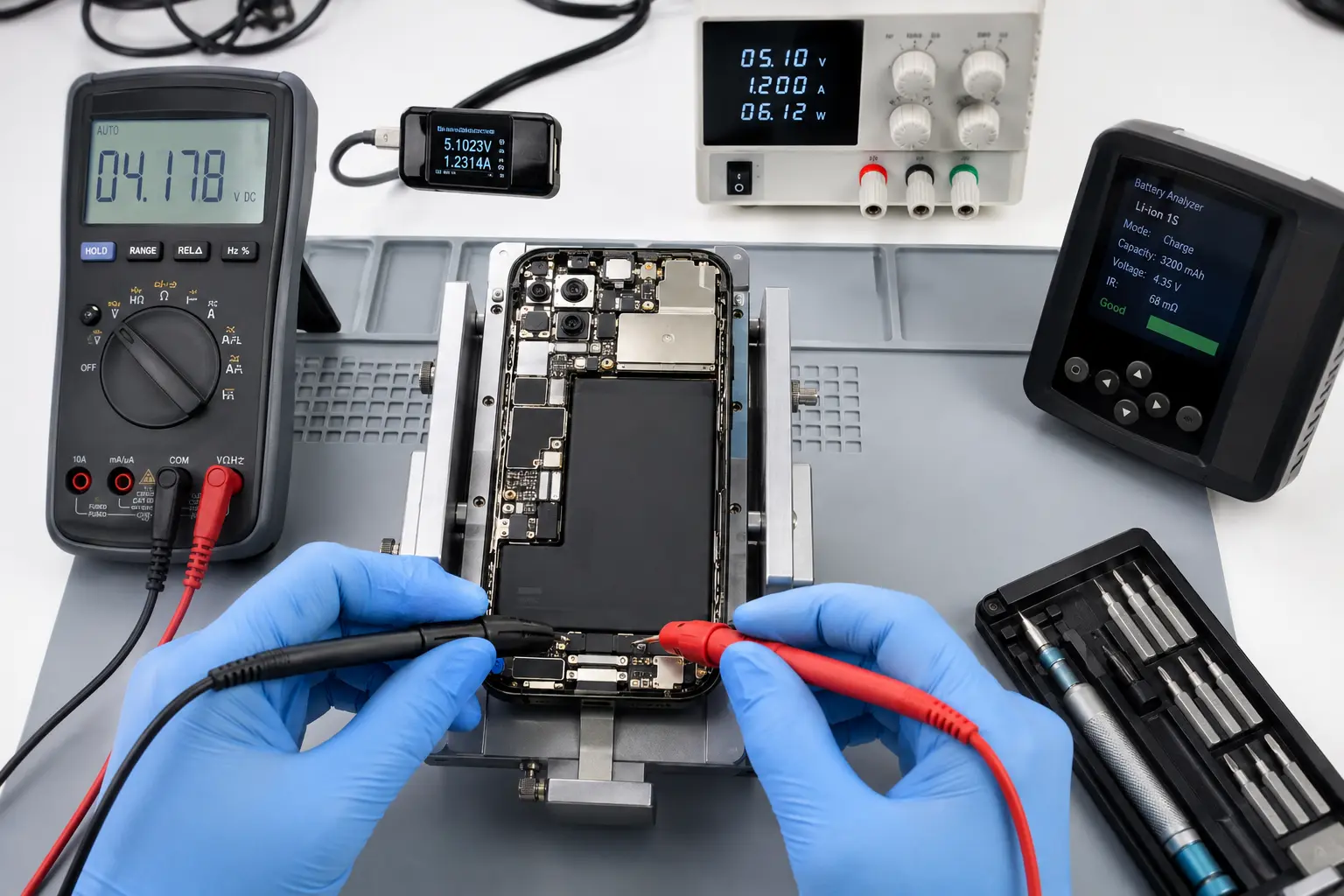
The power, charging, and component lines on the motherboard are examined using schematic documentation, a microscope, and electronic measuring devices. Representative images show two different stages of the process.
What could this symptom mean?
The table is for preliminary information only; the exact fault will be determined by physical inspection and measurement.
| The observed symptom | Controlled areas | First approach |
|---|---|---|
| It doesn't open at all. | Battery, power button, charging cable, motherboard power circuit, liquid/impact damage. | Current response and physical internal examination. |
| The cable is plugged in, but it's not charging. | Cable-adapter, socket, battery, flex cable, charging integrated circuit | Socket and power input measurement. |
| The image is displayed, but the touchscreen is not working. | Screen module, flex connector, impact connector, touchscreen cable. | Screen and connection test |
| The battery percentage is dropping rapidly. | Battery health, background power consumption, heating, motherboard leakage current. | Standby and load consumption control |
| The other party can't hear me on the call. | Microphone, grille, flex cable, audio circuit, application settings. | Separate testing of microphone channels |
| The camera is shaking or not focusing. | Camera module, lens, mounting mechanism, connector. | Front/rear camera function test |
| It doesn't detect the SIM card. | SIM tray, reader, antenna, baseband/network line, software | SIM and network diagnostic check |
| It works after contact with liquid. | Sockets, motherboard, screen, battery surround, and corrosion. | Turn off the device and perform an internal inspection without powering it on. |
How does the service registration process proceed?
Every stage, from acceptance to delivery, is managed through registration and user approval.
- 1
Background Information
The make and model, signs of malfunction, impact or liquid contact, and any previous operations are recorded.
- 2
Device Acceptance
External condition and delivered accessories are recorded on the service form.
- 3
Technical Review
Measurements appropriate to the symptom are taken, and a solution option is determined.
- 4
Information and Consent
The part, price, and estimated timeframe will be explained; implementation will begin after approval.
- 5
Testing and Delivery
The relevant functions are tested, the service request is completed, and delivery information is shared.
Things You Should Know Before Deciding on Repair
Part characteristics are described.
Part options may vary depending on the device model, availability, and the process to be performed. The nature of the option and its potential impact on device functionality will be specified prior to the process.
No pre-determined results can be promised for the data.
The risk of data loss during repair cannot be completely eliminated. If the phone is working, it is recommended to back up your data before leaving it for service. For devices that do not turn on, be sure to specify your expected data loss upon device acceptance.
The scope of the transaction is on record.
The service form includes information on the device's current status, the approved service, and delivery details. The warranty is assessed based on the service performed, the parts used, and the written terms and conditions.
Supported Brands and Models
Part and technical compatibility is determined by the model code. You can share the code and the symptom of the malfunction via WhatsApp before coming.
KTeknik Servis ve Bilişim Hizmetleri is a brand-independent private technical service; it is not an authorized service center, official dealer, or affiliate of the listed brands. Brand names only indicate the types of devices serviced.
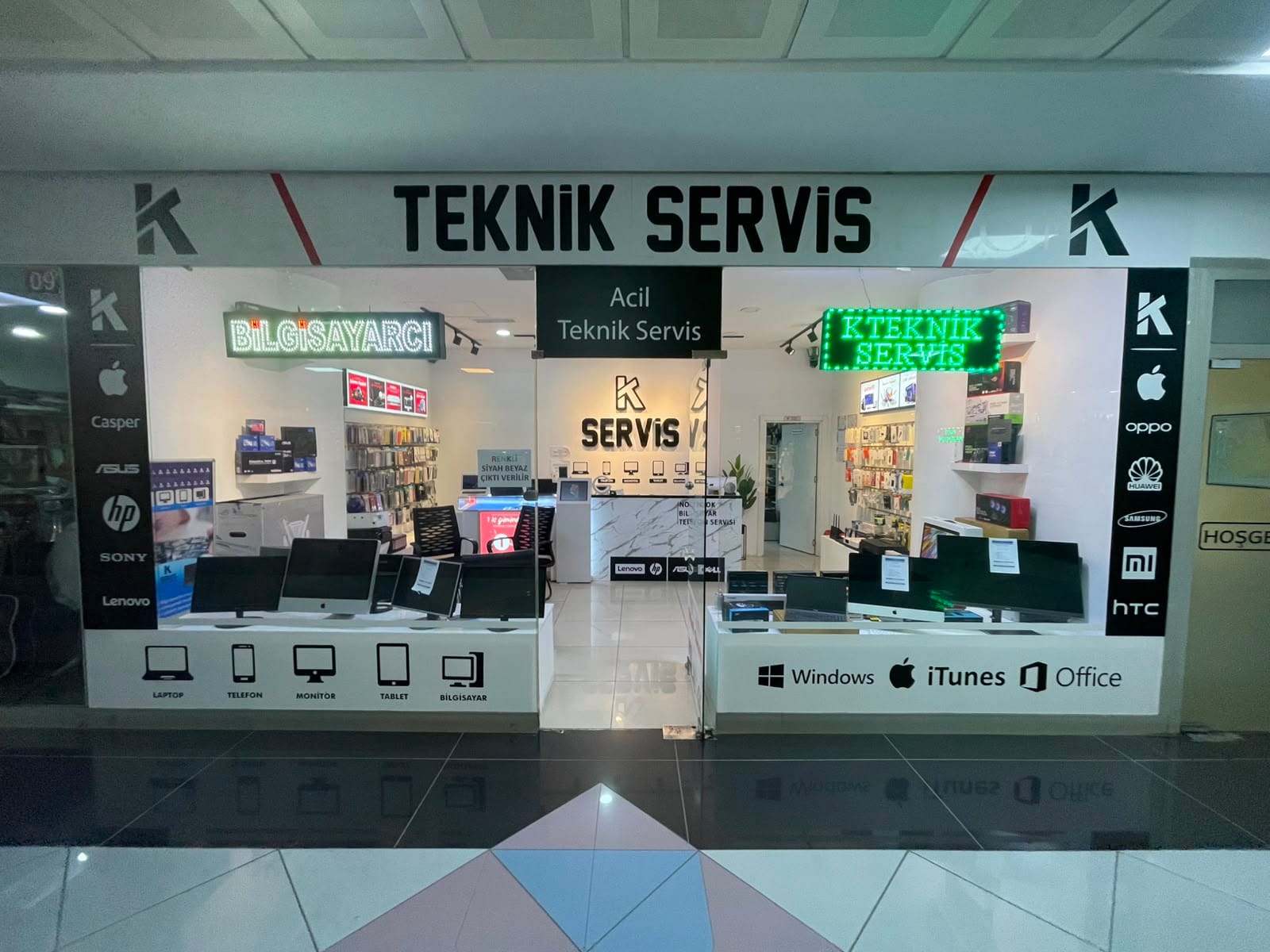
Paradise AVM Registered Device Acceptance
KTeknik Servis accepts phone repair requests in Beylikdüzü at Paradise AVM No:16 Shop:10. You can reach us via directions from Beykent, Esenyurt, Büyükçekmece, and Avcılar.
KTeknik Servis ve Bilişim HizmetleriAdnan Kahveci Neighborhood, Yavuz Sultan Selim Boulevard
Paradise AVM No:16 Shop:10, Ground Floor
Beylikdüzü / Istanbul
Useful Links Before Service
KTeknik service information
Phone charging problem guideSeparation of socket, battery, and charging circuit. Service appointmentMake an appointment before you come. Device service inquiryView the status of your service record. Official brand support channelsManufacturer contacts for devices under warranty.Manufacturers' official service channels
If your phone is under manufacturer warranty, check the official terms and conditions of the manufacturer before having any work done.
Apple iPhone Service and RepairOfficial Apple Support Samsung Authorized Service CenterOfficial Samsung Türkiye Xiaomi Authorized Service CentersOfficial Xiaomi TürkiyeFrequently Asked Questions About the Service
Can the phone repair price be determined without seeing the device?
The net cost varies depending on the phone's make and model, the source of the malfunction, the chosen part, and any previous repairs. You can get preliminary information by sharing your model and symptoms via WhatsApp; the exact repair cost will be provided for your approval after a technical inspection.
How long does it take to replace a phone screen?
The processing time depends on the screen's stock availability, the device's chassis, and whether the impact has affected other modules. Standard screen repairs may take less time if the appropriate part is in stock; the estimated delivery time will be shared upon device acceptance.
Can a swollen phone battery still be used?
It is not recommended to use or charge the device. Pressure should not be applied to the battery, which lifts the screen or back cover; it should not be punctured, and the device should be kept away from heat sources. The phone should be switched off and brought in for technical evaluation.
Will the data on my phone be deleted during the repair process?
Many hardware repairs, such as screen, socket, or battery replacements, do not aim to erase data; however, the risk of data loss in a faulty device cannot be completely eliminated. Back up your data if your phone is working; if it won't turn on, specify your data recovery expectations in the service request.
Could you please tell me what type of phone part will be used?
Yes. Depending on the device model and stock availability, the available part options, their characteristics, and any functional differences will be explained before the process begins. Your choice will be implemented according to the service record.
Is it possible to repair phone motherboards?
Depending on the location of the fault and the physical condition of the motherboard, micro-soldering can be applied in cases of short circuits, power line, charging line, socket, and some component failures. In cases of multi-layered damage or severe corrosion, repairability will be determined after examination.
Can I leave my phone number without an appointment?
You can visit the device acceptance point during working hours. To minimize waiting times and inquire about part availability in advance, it is recommended to share the make-model and description of the fault via WhatsApp or to schedule an appointment.
Where should I bring my phone for repair?
KTeknik Servis's device acceptance point is located at Adnan Kahveci Mahallesi Yavuz Sultan Selim Bulvarı Paradise AVM No:16 Shop:10 Ground Floor, Beylikdüzü/Istanbul.
Please share your make and model and the symptom of the problem.
Include the model information, when the problem started, and any damage or liquid contact if applicable, in your WhatsApp message. You can also add photos for physical damage.