Initial Enquiry and Service Registration
Share your computer's make, model and fault symptoms on WhatsApp or through the service form. We provide basic guidance before your visit.



Is your computer failing to start, showing no display or running slowly? KTeknik Servis identifies the cause through technical checks at Paradise AVM in Beylikdüzü. We explain the proposed work and cost; repairs begin after your approval.
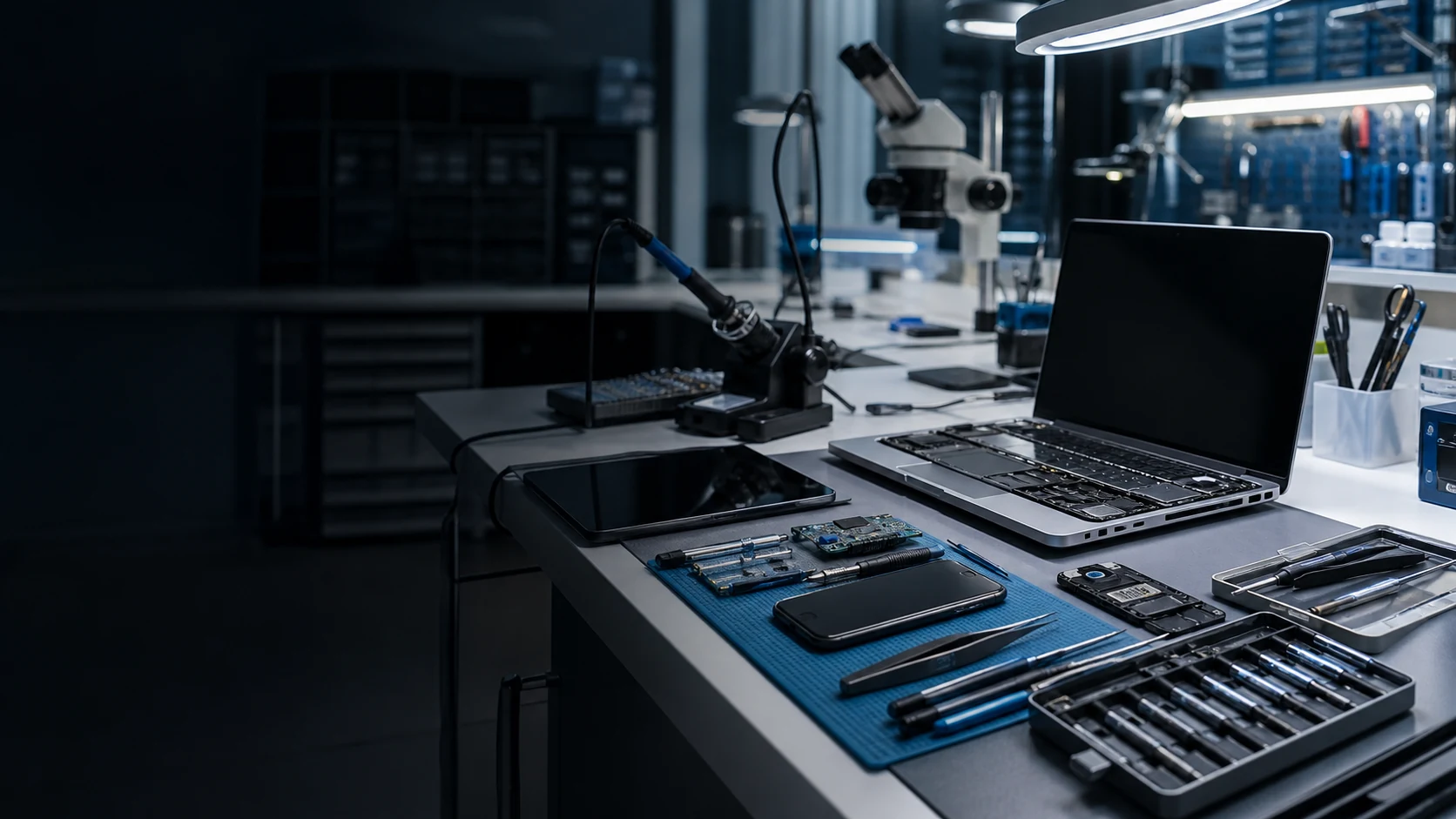
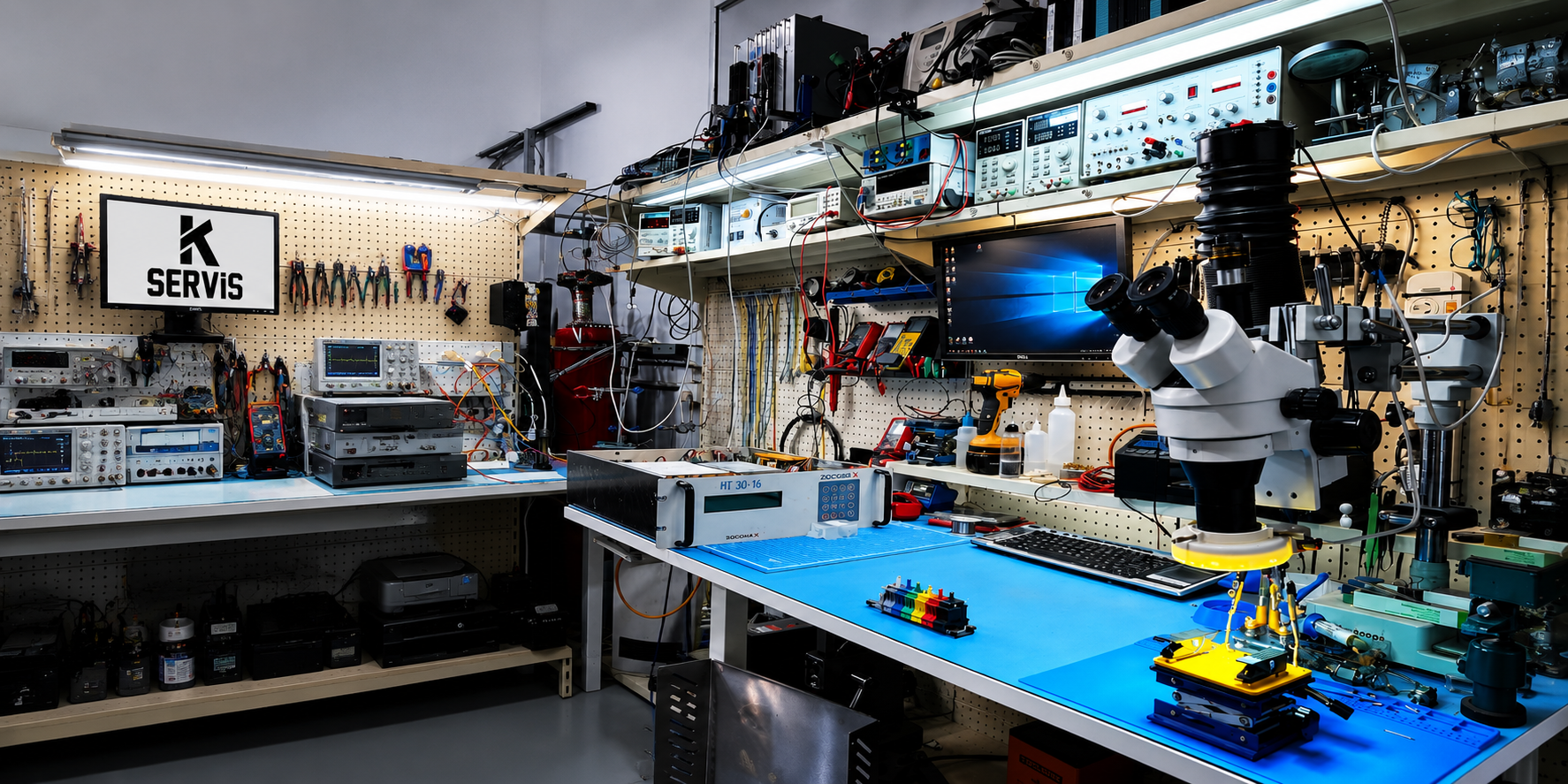
Our professional equipment helps diagnose motherboard, power rail, RAM, SSD and BIOS faults in computers and laptops in Beylikdüzü. At our Paradise AVM service centre, we use measurements and warranty-backed technical service instead of trial and error.
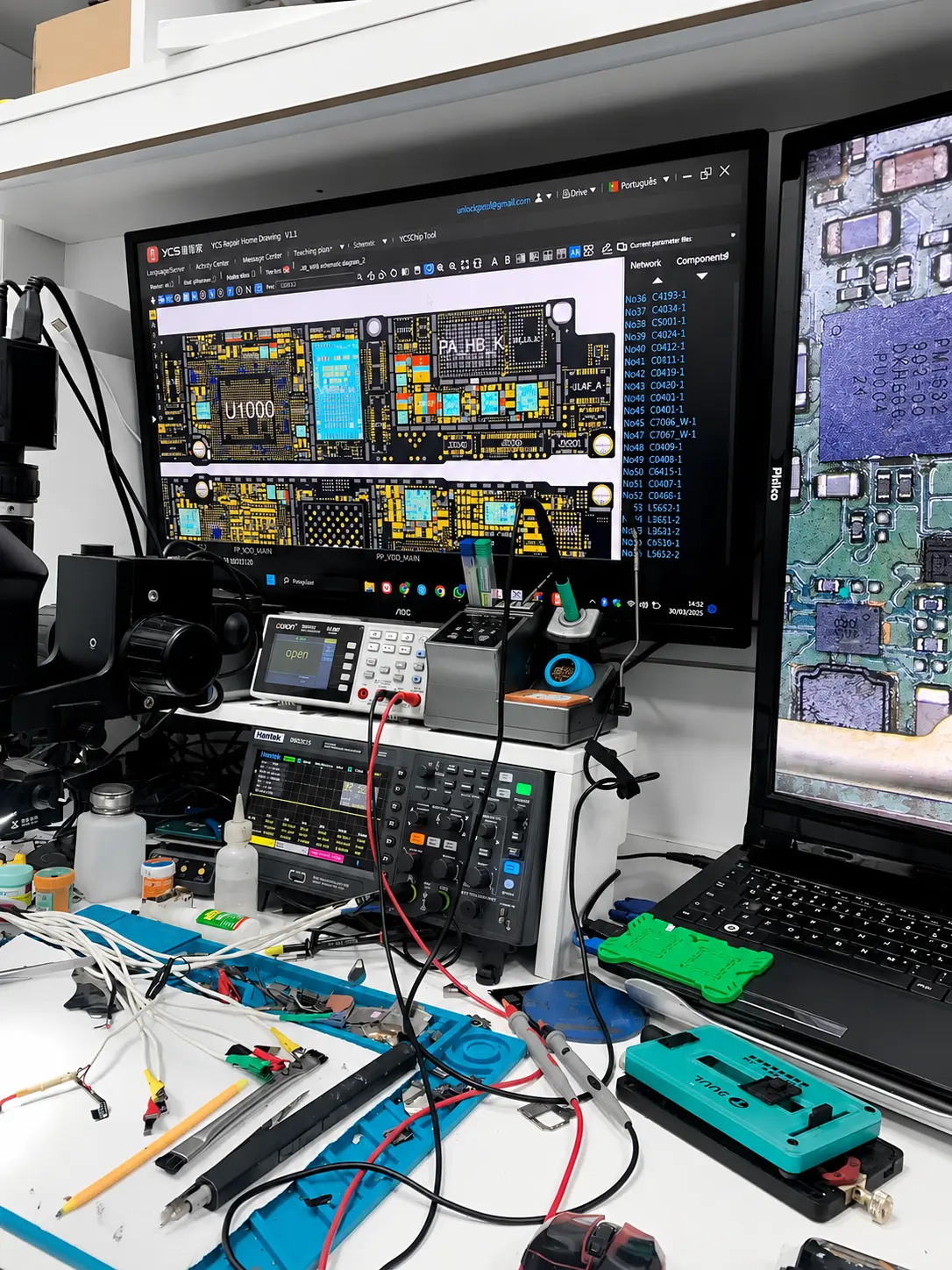
Short circuits and faults involving power rails, BIOS, charging circuits and BGA chips on computer and laptop motherboards are repaired in the KTeknik laboratory using microscopes, measuring instruments and professional equipment.
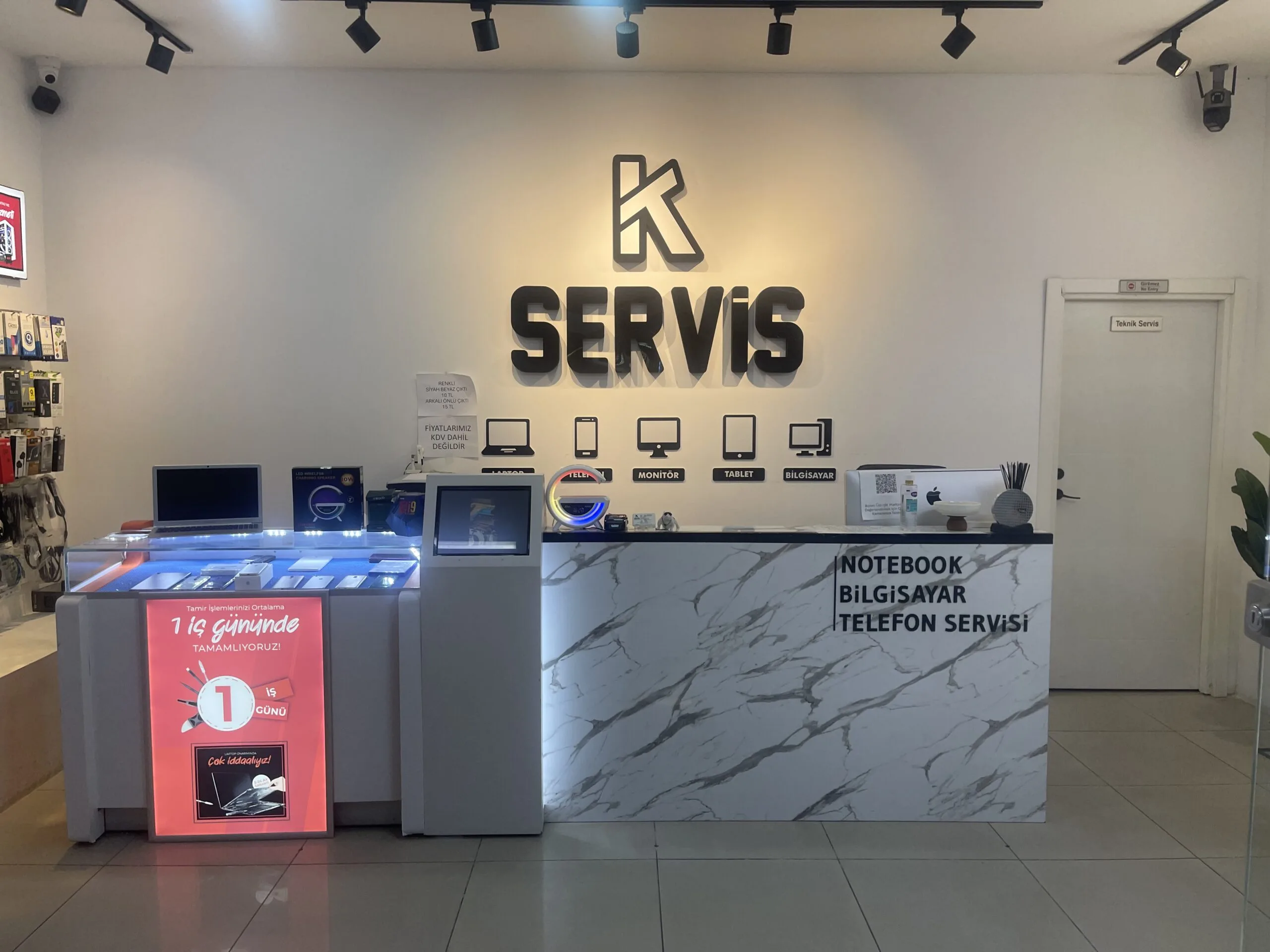
Our KTeknik Servis location at Paradise AVM in Beylikdüzü accepts computers, laptops and electronic devices directly for prompt fault inspection. Parking is available. Before visiting, you can ask for information on WhatsApp or get directions.
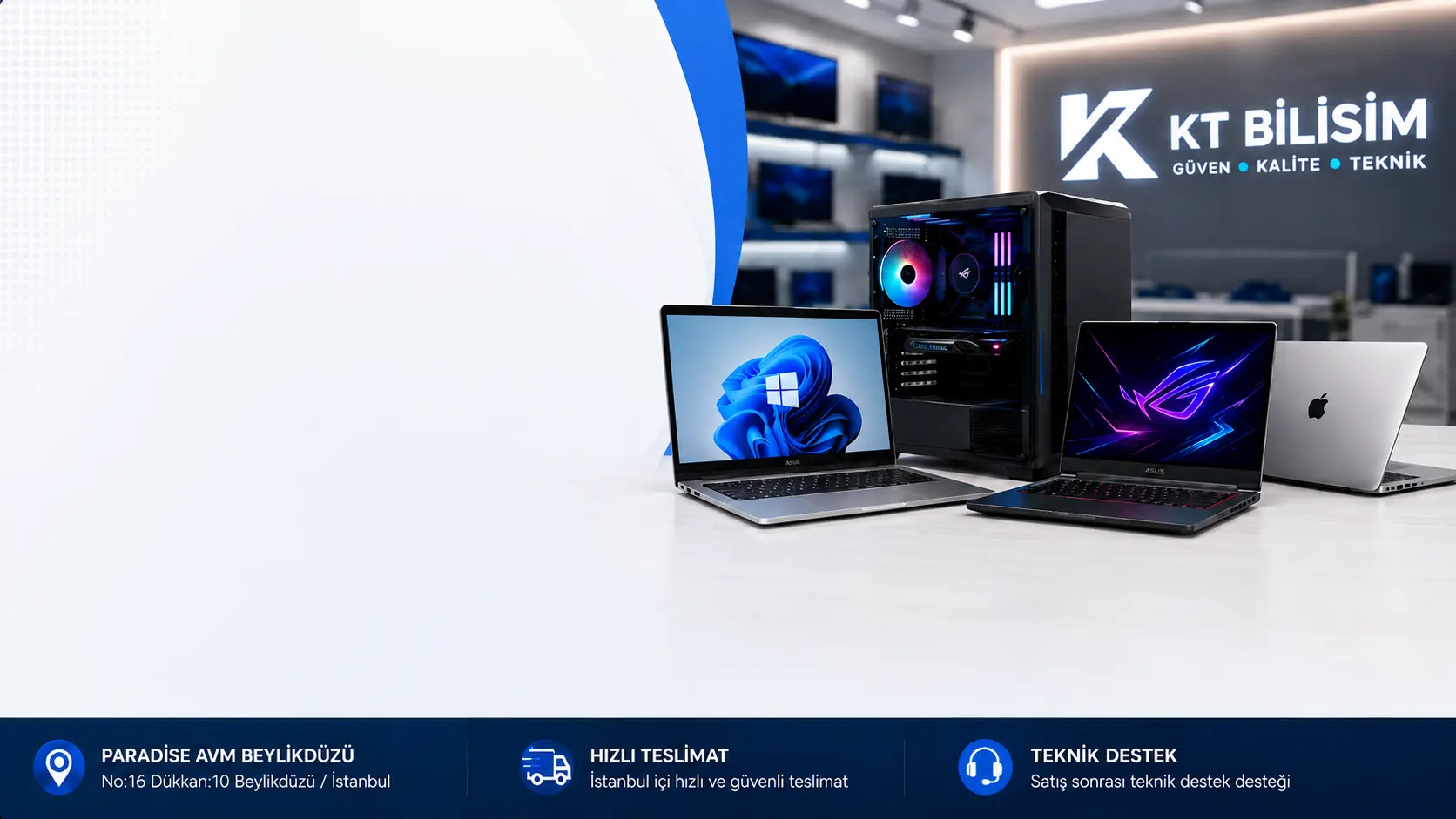
Explore reliable options for laptops, desktop computers, gaming PCs and workstations. Request an initial assessment if you want to sell your device, or ask about current stock if you want to buy a tested used computer.
After your computer reaches our service centre, technical inspection, information about the work, approval and collection follow a defined sequence.
Share your computer's make, model and fault symptoms on WhatsApp or through the service form. We provide basic guidance before your visit.
Depending on the reported symptoms, we check power, display, motherboard, RAM, SSD, storage, cooling and other relevant hardware components.
We inform the device owner of the diagnosed fault, possible work and cost. Technical work does not begin without approval.
Once the approved work is completed, we check the computer's basic operation and inform you about collection.
Service centre: Paradise AVM, Beylikdüzü / Istanbul
Experiences our customers have shared on Google about our computer and laptop services.
“I came in with an SSD problem on my computer and they sorted it out within hours. The best business in Beylikdüzü. Thank you for your work.”
“They shared each stage of my laptop's service on WhatsApp with photos and videos. I was very pleased with the service.”
“I received help with maintenance of my gaming desktop and bent processor pins. They completed the work quickly.”
“I had a wonderful experience with this repair shop. My Lenovo Legion laptop was repaired quickly, and everything works perfectly again after it was dropped. The staff were very professional, patient and kind. Although my Turkish is not very good, they took the time to answer all my questions and explain everything clearly. They also cleaned the laptop free of charge, explained the warranty terms and let me test it before paying, which I really appreciated. Thank you again for the excellent service. I would definitely recommend this shop to anyone looking for a reliable laptop repair service.”
“I used KTeknik Servis for maintenance and repair of my gaming desktop. The processor pins were bent. They straightened the pins and completed the computer's general maintenance in a short time. I was informed about the work and received my computer back without problems. I recommend KTeknik Servis to anyone looking for gaming computer maintenance and computer repair in Beylikdüzü.”
“After the screen on my 14 Pro Max broke, I received help from another company. Afterwards I had overheating, flash and screen problems. I researched companies and found KTeknik Servis. They replaced the screen and battery with original parts and thoroughly cleaned and maintained the inside of the phone. I now have no overheating problems. I wish I had contacted them first. Thank you very much 🌼”
Share your computer's make and model, the fault symptoms and your contact details. Ask about device intake and the technical inspection process.
Select your device type to learn about fault symptoms, the inspection process and service options.
Power and display faults, PC assembly, SSD/RAM upgrades and hardware maintenance.
Desktop computer service →Model-specific inspection for screen, battery, charging port, hinge, overheating and motherboard faults.
Laptop repair in Beylikdüzü →HDMI, display, power, controller and cooling problems on PS5, Xbox and Switch devices.
Game console service →Inspection of power, charging, display, liquid damage and motherboard issues on MacBook, iMac and Mac mini.
MacBook and iMac service →Model-appropriate technical checks for screen, battery, charging port and liquid damage problems.
Phone technical service →Technical inspection of tablets and iPads for touch, screen, battery and charging problems.
Tablet and iPad service →Different computer and laptop faults are assessed through measurements, controlled inspection and tests after the work.
The device lights came on and the fan ran, but there was no image on either the built-in screen or an external monitor.
Service Process: RAM, BIOS and the display circuit were checked. After identifying the faulty component, the necessary work was carried out; startup, display and system stability were tested.
During games, fan noise increased, performance dropped and the device shut down on its own under heavy use.
Service Process: Fans and air channels were cleaned, the cooling system checked and thermal maintenance performed. Afterwards, temperatures and operation under load were tested.
The system did not respond to the power button; case fans and motherboard indicators were not working.
Service Process: The power supply, connections and motherboard power rails were measured. After locating the problem, the system underwent startup, hardware detection and stability tests.
The same symptom can have different causes. The work plan is determined by the results of the device's technical inspection.
Share the Fault SymptomsWe have provided warranty-backed technical service for different device types through measurements, chip-level work and a transparent process instead of trial and error.
Technical explanations of common questions about computer diagnostics, power and display problems, motherboard inspection, overheating, SSD and RAM upgrades, liquid damage and the service process.
Diagnosis involves more than checking whether the device starts. Depending on the symptoms, the power supply, motherboard power rails, RAM, BIOS, graphics card, storage and cooling are assessed separately. Before replacing parts, the aim is to establish which component or circuit is causing the fault .
After technical inspection, we inform the device owner of the diagnosed fault, possible work and cost. Paid repairs or part replacements do not begin without approval. If a separate diagnostic fee applies, we explain this before the work as well.
An unresponsive computer does not necessarily have a power supply fault. We check PSU outputs, motherboard standby voltages, power button connections, possible short circuits and startup circuits. Fans briefly spinning and stopping, or continuous restarts, are also assessed as distinct symptoms.
Running fans do not mean the system has completed POST successfully. RAM, BIOS, processor startup, graphics card, display outputs and relevant motherboard circuits should be checked. We therefore do not decide to replace a graphics card or motherboard based only on the symptom.
Excessive heat is not caused only by ageing thermal paste. Fan speed, air channels, cooler contact surfaces, thermal materials and CPU/GPU temperatures are assessed together. After maintenance, temperatures and behaviour under load need to be checked again.
The improvement depends on the existing bottleneck. Moving from a mechanical drive to an SSD can substantially reduce startup and application loading times. If RAM capacity is insufficient, a memory upgrade can improve multitasking. Motherboard compatibility and existing hardware should be checked before selecting NVMe, SSD or RAM components.
If possible, switch the device off and do not power it on again. Liquid can cause short circuits or corrosion that develops over time on the motherboard. Even if the device still works, a technical inspection of the affected areas and relevant power rails is important.
Freezing, restarting and blue screens are not specific to one component. RAM errors, SSD or NVMe issues, high temperatures, unstable power supplies, driver problems or motherboard faults can produce similar results. Hardware and system checks are based on the conditions in which the problem occurs.
The time depends on the fault. RAM, SSD or maintenance tasks do not require the same inspection time as faults needing motherboard-level measurements. After diagnosis, we explain the necessary work and estimated service time.
Portable computers may have different service needs involving screens, hinges, cases, batteries, charging ports and model-specific motherboard designs. For these tasks, please see our Laptop Repair and Notebook Service page.
The same symptom can require different work on different devices. Make and model, the cause of the fault, repair scope, required part specifications and availability affect the price. A firm quote cannot be based only on “it won't start”. Share the model code, when the fault began and any previous work. Following inspection, you can review the proposed work and cost. Service and contact information.
First, assess the existing fault and your performance needs separately. An SSD upgrade can help a healthy device with slow storage; motherboard or power faults should be resolved first. Repair cost, device age, condition of other components and intended use are considered together. An SSD or RAM upgrade does not remove every device's CPU and graphics performance limits. Explore SSD upgrade options.
The same brand or series name does not guarantee part compatibility. Besides screen size, connection type, panel specifications and mounting design matter. Battery part codes, electrical characteristics and physical layout are important. Adapter output, connector and device power requirements must be assessed. Provide the full model code and the existing part label if available. Confirm compatibility and part specifications before agreeing to replacement. Laptop parts and repair services.
For RAM, check memory generation, slot design, supported capacity and whether memory is soldered to the motherboard. SATA and NVMe are different storage interfaces; an M.2 form factor alone does not guarantee compatibility. Supported interfaces, dimensions and available slots must be checked together. Describe your existing hardware and the applications you need to choose a suitable upgrade. Desktop hardware inspection.
If the device works, back up important files to separate storage and check that the backup opens. List the folders you want kept and the applications you use in the service record. If drive failure or data loss is suspected, formatting, installing a new system or writing data can affect recovery chances. Discuss your data needs with the technical team first; files cannot be assumed recoverable in every case. Information about data recovery.
Ask which fault the work addressed and which checks were performed. Startup, display, charging, connections, fan behaviour, storage detection and stability under load may be checked differently depending on the work. If the original fault occurred in a particular game, application or condition, explain this beforehand. At collection, clarify the scope of work, any replaced parts and applicable warranty terms. Read the warranty terms.
Before sending a device by courier, share the make, model and fault symptoms and create a service record. Confirm accessories to include, current delivery details and packaging requirements with the technical team. The device should not move inside its box and must be protected against impact. Include fault information, contact details and your data expectations in the record. Courier shipping guide and Device intake from other cities.
Check the device tracking page on the site for your service record's status. Use the information requested for your record. Contact the technical team if you have questions about record details or the work description. Additional faults, parts availability and changes to the work plan may affect delivery, so refer to the latest status information. Track your device in service.
If your symptom is not listed here, share the computer's make and model and when and under what conditions the problem occurs on WhatsApp.
Ask About a Fault on WhatsAppAt Paradise AVM in Beylikdüzü, we technically assess symptoms such as failure to start, no display, sudden shutdowns, overheating and loss of performance. Depending on the fault, the power supply, motherboard, RAM, BIOS, graphics card, SSD and cooling are checked separately, and we explain possible work to the customer.
For systems that do not respond to the power button, we check power supply outputs, connections, motherboard power rails and startup voltages. Fans briefly spinning and stopping, or continuous restarts, are assessed separately.
If the system runs but no image reaches the monitor, we inspect RAM, BIOS startup, graphics card, display outputs and relevant motherboard circuits according to the symptoms.
For short circuits, unstable voltages, sudden shutdowns, stalled POST or failure to start, motherboard power rails and relevant components are assessed through measurements. BIOS is checked when necessary.
If CPU or GPU temperatures rise rapidly under load, fans continuously run at high speed or the computer shuts down from heat, we assess cooling, air channels and thermal materials.
When a computer starts slowly, applications lag or memory is insufficient, existing storage and RAM are checked. SSD, NVMe or RAM upgrade options are determined according to motherboard compatibility.
For freezing, blue screens, spontaneous restarts or shutdowns under load, RAM, storage, temperatures, power supply and relevant hardware are assessed together.
Even if a device still works after liquid exposure, its motherboard and connections may be at risk of corrosion or short circuits. We recommend not using it again until affected areas and power rails have been technically assessed.
Our physical service centre is at Paradise AVM in Beylikdüzü. We accept computers and laptops from Beylikdüzü and nearby districts.
We provide computer and laptop intake, technical inspection and service registration at Paradise AVM in Adnan Kahveci neighbourhood.
PHYSICAL SERVICE CENTREComputers and laptops from Avcılar, Esenyurt and Büyükçekmece are accepted at our service centre.
Before shipping, share device information and create a service record. Packaging and shipping instructions are provided in advance.
PRIOR REGISTRATION REQUIREDBefore visiting, share your device model and fault symptoms on WhatsApp or get directions.
Failure to start, no display, overheating and slow operation do not necessarily have the same cause. Power, motherboard, RAM, BIOS, storage, graphics card and cooling components should be assessed separately according to the symptoms.
No response to the power button and running fans with no display are different symptoms. Power delivery, startup and the display circuit are assessed separately when identifying the cause.
Rapid temperature increases under load are not necessarily caused only by thermal paste. Fan speed, air channels, cooler surfaces, thermal materials and CPU/GPU operating temperatures should be assessed together.
Replacing parts immediately is not appropriate for every slow computer. Storage condition, RAM capacity, startup load and existing hardware should be inspected to identify the component limiting performance.
The same symptom can result from different hardware faults. A technical inspection before work is important to identify the cause and avoid unnecessary part replacement.
Explore Computer ServicesSelect the relevant service page for computers, laptops and other device groups to learn more about diagnostics, maintenance and technical processes.
If your required service is not listed, explore all service categories.
View All ServicesAt our Paradise AVM service centre in Beylikdüzü, we provide warranty-backed chip repair and parts support for all computer and hardware manufacturers.
Note the laptop's make, model code and fault symptoms. Bring the adapter if there is a power or charging problem. For desktops, ask about required accessories on WhatsApp before visiting.
If the device works, back up important files. Note suspected data loss or drive failure in the service record. Discuss your data needs with the technical team before formatting or storage work.
We are open Monday–Saturday, 09:00–20:00, and closed on Sundays. Before visiting, you can check our contact and address information .
We inform you of the proposed work and cost after technical inspection. Discuss the scope and collection details with the technical team. For further information, read our warranty terms .
KTeknik Servis olarak web sitemizin güvenli çalışması, performans ölçümü ve kullanıcı deneyiminin iyileştirilmesi için çerezlerden yararlanıyoruz. Detaylar için Çerez Politikası sayfamızı inceleyebilirsiniz.