Power Supply and Motherboard MOSFETs
In MSI devices that suddenly shut down or fail to trigger, 19V input short circuits, charging PWM integrated circuits, and power coils are repaired using SMD standards.


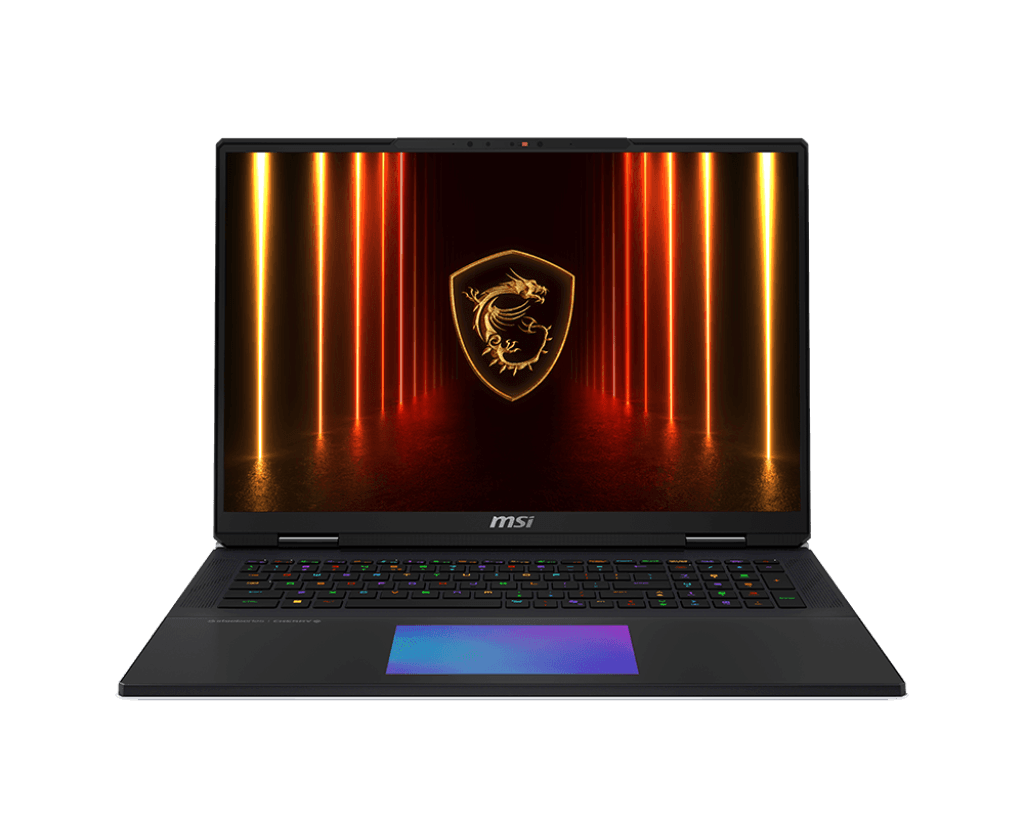
 MSI Gaming Solution Center
KTeknik • Beylikdüzü
Independent Private Laboratory
MSI Gaming Solution Center
KTeknik • Beylikdüzü
Independent Private Laboratory
From the massive cooling blocks of the MSI Raider to the ultra-thin cases of the Stealth series, we have expertise in all hardware processes. We provide measurement-focused solutions for MSI Center freezes, Cooler Boost fan failures, SteelSeries keyboard liquid damage, and MS-labeled motherboard repairs.
MSI computers (especially the Titan and Raider series) draw power from desktop-class graphics cards (TGP). Incorrect voltage adjustments, often done using standard "laptop repair" methods, can directly burn out the VRM (power supply) phases in these devices. Similarly, using low-quality thermal paste on Cooler Boost fans can cause thermal throttling (frequency reduction) within minutes.
We don't evaluate your device solely based on its brand name. Instead of randomly disassembling the device during the initial inspection, we take voltage readings according to the MS-extended schematic (Boardview) and provide budget-friendly, permanent solutions by repairing the problem at the chip and capacitor level without replacing the motherboard.
From SteelSeries RGB keyboard malfunctions to Matrix Display issues, we offer lab solutions that are proficient in MSI's signature technologies.
In MSI devices that suddenly shut down or fail to trigger, 19V input short circuits, charging PWM integrated circuits, and power coils are repaired using SMD standards.
We provide repair services for screens damaged by impact, eDP socket failures, or replacements of your 144Hz/240Hz MSI display panel with A+ parts that conform to the original MS-scheme.
The friction/clicking noises coming from the fans are eliminated. The dried-out thermal system is renewed with Honeywell PTM7950 phase-change pads, preventing FPS drops in games.
Especially in the Katana series, broken brass inserts that cause the case to separate when the screen is opened can be repaired without the need for external screws.
SteelSeries Per-Key RGB keyboards that stop working after liquid spills, or motherboard bridge chips that have corroded, are attempted to be salvaged using ultrasonic baths.
In MSI RTX series graphics cards that give "Error 43" or blue screen errors in games, faulty GDDR6 VRAM modules are identified and replaced with BGA.
MSI DC charging sockets that produce sparks at the adapter tip or only charge at a certain angle can be replaced directly on the motherboard, eliminating contact issues.
You can safely add RAM (DDR4/DDR5) at the maximum supported MHz speeds and PCIe Gen4 M.2 NVMe SSDs to your MSI devices experiencing bottlenecks.
Even though they share the same brand logo, a gaming PC and a slim, creative PC require entirely different repair methods for their problems.
In these price-performance oriented series, we generally repair cases such as case explosions due to hinge stiffness, overheating, and single/dual fan imbalance.
In these desktop-powered devices, we focus directly on high-current VRM phase circuits, liquid cooling modules, and VRAM failures at the chip level.
In ultra-light and thin devices, we are working on Type-C (Power Delivery) charging issues, battery swelling causing touchpad pressure, and soldered RAM memory freezing.
AMD processors and Radeon graphics architecture are supported for VRM power supply failures, SmartShift power distribution issues, and chipset repairs.
From the outside, you might say, "My device is an MSI Katana," but MSI has been using different hardware (Intel vs AMD, screens with different pin configurations) inside cases with the same name over the years. Providing our technician with the main model code, "MS-xxxx," which is written on the bottom of the device, is the most critical step in helping us find the correct replacement part price and circuit diagram (boardview) compatible with your device.
You won't have to deal with uncertainties or surprise prices. Your device will be examined using a professional methodology, your approval will be obtained, and it will be tested before being delivered to you.
The following steps are important both for quickly replicating (understanding) the problem within our service and for ensuring the security of your data.
Sometimes the reason your device shuts down isn't the motherboard, but a faulty high-current MSI adapter.
For hinge and case repairs, screen replacements, or thermal paste maintenance. Your disk will absolutely not be formatted. However:
If you spilled liquid (tea, water) on your MSI computer, you might be wondering "has it dried?" Absolutely do not try pressing the power button! Remove the adapter, turn the computer upside down with the keyboard facing down, and contact our service center immediately before oxidation begins to prevent short circuits.
You can review our general BGA repair standards applied in our laboratory, as well as our informative technical guides on common computer malfunctions.
We've compiled the answers to your questions about warranties, repair times, and MSI-specific VRAM/hinge failures. If you have a different question, you can write to us with your full model code.
Yes. Broken screw heads and casings are filled from the inside with industrial-grade two-component filler (epoxy); no screws are inserted from the outside. The hinge torque (stiffness) is reduced, preventing the casing from bursting again.
When the CPU and graphics card fans overheat due to dust or dried-out thermal paste, the system reduces the frequency (thermal throttling) to protect the hardware. Replacing old thermal pads with Honeywell PTM7950 or Arctic components improves FPS and reduces temperatures by 15-20°C.
No, the entire motherboard doesn't need to be replaced. Our BGA rework station can repair GPU chips with solder cracks using reballing, or replace completely burned-out GDDR6 VRAM memory modules individually, thus saving the motherboard.
This situation usually occurs when automatic updates via Windows are interrupted (brick situation). Using our external EEPROM devices, your device can be recovered by directly writing the original factory firmware containing "Clean ME" to the BIOS chip on the motherboard.
If your device is still under warranty (and you haven't caused any damage that would void the warranty, such as breakage or liquid damage), we recommend taking it to an authorized Asus service center (ServisPoint). We are an independent laboratory that provides cost-effective chip-level repairs for devices whose warranty has expired or are no longer valid.
By providing our technicians with the model code (e.g., MS-1581) and the symptom of the problem found on the bottom cover via WhatsApp, you can receive an accurate repair time and price estimate.
MSI, Katana, Raider, Pulse, Stealth, Titan, Cyborg, Bravo, and all other related product names are registered trademarks of their respective owners (Micro-Star International Co., Ltd.). The brands, models, and logos featured on this webpage are used for informational purposes only (under Fair Use) to identify faulty devices and spare part compatibility serviced by KTeknik. KTeknik Servis (Beylikdüzü) is an independent, privately owned technology repair laboratory that services devices whose warranty has expired or is no longer valid, and has no organic (official) commercial affiliation with MSI or its distributors.