Laptop diagnosis, maintenance and repair at Paradise AVM, Beylikdüzü. Share your model and symptoms; inspection determines the work and price, and paid repairs begin with your approval.
For laptops that will not start or charge, have no display, overheat, slow down or suffer physical damage, we do not guess the fault from symptoms alone.
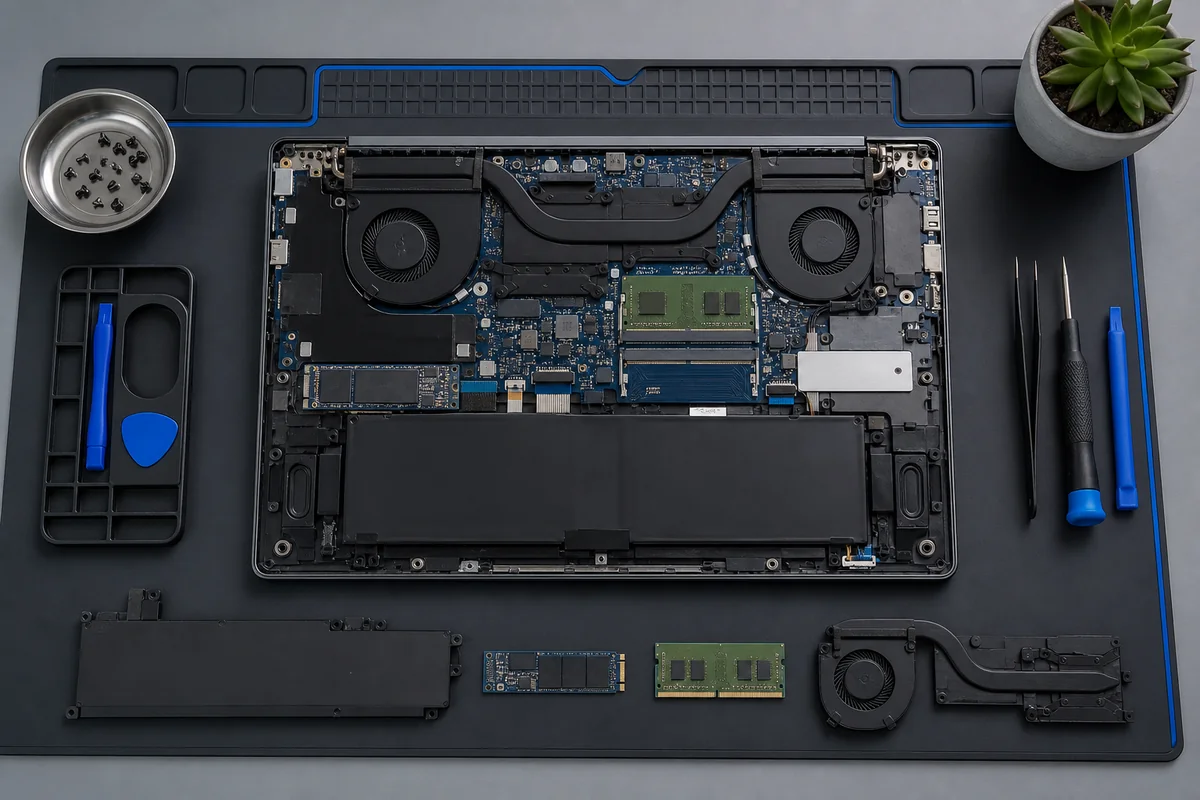
The adapter and input circuit, RAM, BIOS/POST, display panel and cable, SSD/NVMe, cooling system, battery and motherboard power circuits
are checked separately according to the fault. The full model code determines the suitable work, and paid repairs do not begin without your approval.
Initial guidance:
Include the laptop brand and model code, when the fault began, light and fan behaviour, and any impact or liquid exposure in your WhatsApp message. The diagnosis and final price are confirmed after technical inspection.
✓ Registered device intake✓ Information before approval✓ Model-specific parts checks✓ Post-repair function testing
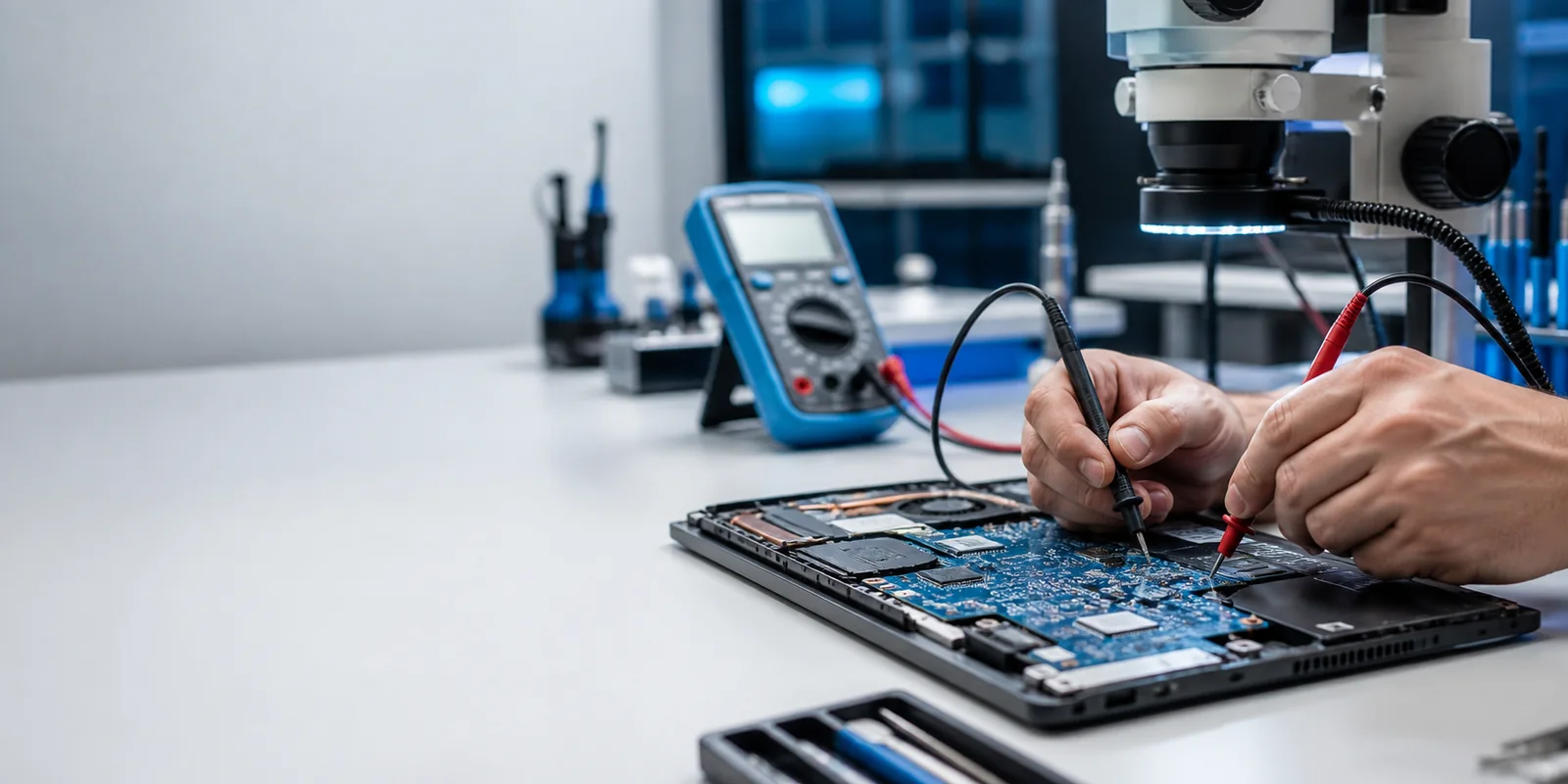
Symptom-based measurements: the power input, charging circuit and motherboard components are assessed together.
i
What should I do first for laptop repair in Beylikdüzü?
Note the full model code and symptoms. Bring the adapter for startup or charging faults. If there is liquid exposure, a burning smell or a swollen battery, shut the laptop down and do not try to restart it. The service first isolates the faulty circuit; costly components such as the screen, battery or motherboard are not replaced without technical checks.
Information before work
Laptop repair prices, timing and warranty
Symptoms provide initial guidance; the full model code, inspection and parts compatibility determine the scope. Clarify the following before deciding on a repair.
What determines the price?
Replacing a screen, battery or charging socket is different from motherboard repair. The model code, faulty section, compatible part specifications and required technical work affect the price assessment.
The final price is determined after inspection. Clarify the proposed work and approval process before a paid repair; ask about any diagnostic or service charge at intake.
Inspection, obtaining parts, repair and post-repair testing are separate stages. Liquid damage, motherboard faults or intermittent problems may require different checks from replacing a single part.
Share the model and fault history for initial advice. After inspection, ask for an estimated return time, whether parts are awaited and the testing stage. Track your device on the service-status page.
Under our published warranty terms, repaired hardware or hardware fitted with new replacement parts carries a 3–6 month workmanship warranty depending on the part. Check the scope and duration of your repair together with the service form.
Warranty tracking uses the serial-numbered protective label and service record number. Detailed terms, including exclusions for physical damage, liquid exposure and intervention, are explained on our warranty page; do not assume identical coverage for every repair.
What is your laptop doing? Find the right service step by symptom
The same symptom may have multiple causes. The examples below are initial technical guidance indicating which systems to investigate, rather than a definitive diagnosis.
⏻
No response to the power button
We check adapter output, the DC socket, battery, input MOSFETs, short circuits and standby voltages.
After recording the model and symptoms, we assess power, display, storage and cooling separately.
Measure, verify, explain
Laptop servicing starts with fault isolation, not guessing which part to replace
A laptop that will not start does not necessarily have a motherboard fault. After recording the model and history, we work methodically from external components towards motherboard circuits.
01
Model and symptom record
We record the full model code, adapter, impact, liquid exposure and previous work.
02
Physical inspection
We inspect the case, hinges, sockets, panel, adapter and liquid traces.
03
Technical measurements
We test voltages, short circuits, RAM, storage, display and the thermal system.
04
Proposed work
We explain the fault and possible work to the user.
05
Post-repair testing
Startup, charging, display, temperature and relevant functions are checked again.
From actual service records
Actual Laptop Service: ASUS ROG Strix G614
We publish technical examples from devices actually serviced at KTeknik Servis instead of relying on general claims about professional service. Personal customer details are not shared.
✓
Why do we show this section?
A repair page should do more than list faults. Showing why a device was brought in, which systems were inspected and how the work was verified gives users more concrete information.
Actual service record
ASUS ROG Strix G614
Gaming Laptop • Thermal System
Reported problem
The device was inspected following reports of high temperatures and shutdowns under load.
System examined
We assessed the fans and cooling system, CPU/GPU thermal contact areas and condition of existing thermal materials.
Work performed
The cooling system was serviced; liquid metal and liquid thermal pad materials were applied where needed.
Post-repair verification
After the work, the device's temperatures and operating behaviour were checked again. In their feedback, the user reported that the laptop had returned to its original operating values.
Technical method
Symptoms First, Then Measurements
Isolate the fault before replacing parts
01
Failure to start, shutdowns or display problems alone do not identify a particular faulty component.
02
The adapter, RAM, display circuit, SSD, cooling and motherboard are assessed separately according to the fault.
03
After the work, the relevant function is tested again to verify the result.
Model-specific approach
Same Brand, Different Hardware
Why does the full model code matter?
Screen
Resolution, refresh rate, connector type and physical connector position may differ, even beyond panel size.
RAM & SSD
Memory generation, soldered RAM, M.2 slots and NVMe/SATA support may vary within the same series.
Cooling system
Fan, thermal pad structure and heatsink design vary by gaming laptop model.
Note:
The device example above is not a definitive diagnosis for another laptop. The same symptom may have a different cause in another model, so each device is assessed using its own model code and measurements.
Startup and charging faults
In what order are laptop power and charging problems checked?
An adapter indicator light alone does not prove that the correct voltage and sufficient power reach the laptop. Power Delivery communication is also assessed on USB-C charging models.
A
Adapter & cable
We check power rating, cable condition and device compatibility.
DC
Charging socket / USB-C
We inspect pins, solder joints, contact and physical port damage.
B
Battery
We assess detection, charge retention, swelling and behaviour when connected to the adapter.
V
Motherboard power circuit
We inspect the input circuit, MOSFETs, charging IC and standby voltages.
Hardware, maintenance & upgrades
Main services included in laptop repair in Beylikdüzü
The scope depends on the full model code, symptoms, technical measurements and parts compatibility.
▣
Laptop screen & display circuit
Before replacing the panel, we check the display cable, output and hinge area.
Possible causes are not definitive diagnoses. The table shows the basic fault-isolation approach used in technical checks.
Symptom
Possible causes
Technical check
First user step
Will not start at all
Adapter, socket, battery, motherboard
Input and standby circuits are measured
Bring the adapter
No display
RAM, BIOS, panel, cable, GPU
POST and external display are compared
Note the model code
Not charging
Adapter, port, battery, charging circuit
Power input and battery behaviour are checked
Do not force the port
Display cuts out when moving the lid
Panel, cable, hinge
Display circuit is tested while moving the lid
Do not force the lid
Shuts down under load
Heat, power, adapter, motherboard
Temperature and behaviour under load are monitored
Reduce use
Freezing
RAM, SSD, temperature, software
Drive, memory and system behaviour are checked
Check your backup
Liquid exposure
Keyboard, socket, motherboard, battery
Inspection is performed without applying power
Do not switch on
Heat, storage & memory
Formatting is not always the answer to a slow laptop
Slow startup, stuttering and loud fans may be simultaneous symptoms of different faults. SSD, RAM, temperature and software load should be assessed separately.
°C
Thermal throttling
High CPU/GPU temperatures can reduce operating frequency.
SSD
Storage
Drive health and available space can directly affect performance.
RAM
Memory
Insufficient or faulty RAM may cause freezing and system instability.
OS
Operating system
Driver and startup load are compared with hardware test results.
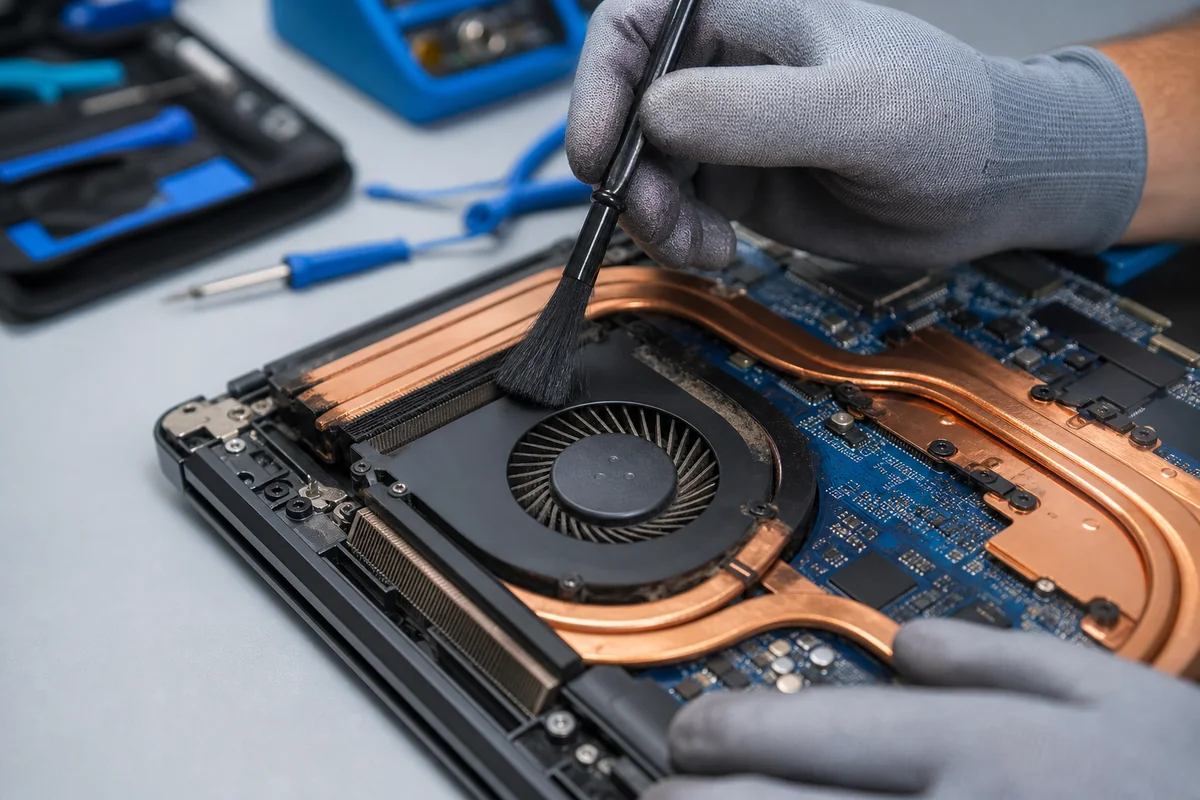
Thermal maintenance is more than fan cleaning; the whole cooling system is assessed.
Before bringing your device
Information that helps service registration
The model code, adapter and fault history make initial technical guidance more accurate.
Model & symptoms
Full model code
When the fault started
Lights, fan or error message
Impact and liquid-exposure history
Bring with you
Adapter for startup and charging faults
Special accessories related to the fault
BitLocker key if required
Preparing your data
Back up files if possible
Prepare a temporary password if required
Tell us about important data
Model codeDetermines parts compatibility
Technical measurementsDetermines the work plan
User approvalBefore paid work
Function testAfter the work
Model-specific service
Common Laptop Brands & Series
The brand name alone is not enough to choose a part. The full model and hardware configuration are used.
Independent service notice:
KTeknik Servis ve Bilişim Hizmetleri is an independent repair service, unaffiliated with the laptop manufacturers mentioned. Brand names are used to explain device and part compatibility.
Local device intake
Laptop Service Point at Paradise AVM, Beylikdüzü
KTeknik Servis registers and technically inspects laptop and notebook faults at its Paradise AVM device intake point.
KTeknik Servis olarak web sitemizin güvenli çalışması, performans ölçümü ve kullanıcı deneyiminin iyileştirilmesi için çerezlerden yararlanıyoruz.
Detaylar için Çerez Politikası sayfamızı inceleyebilirsiniz.
Zorunlu ÇerezlerSitenin güvenli ve doğru çalışması için gereklidir. Devre dışı bırakılamaz.
Analitik ÇerezlerZiyaretleri ve sayfa performansını anlamamıza yardımcı olur.
Pazarlama ÇerezleriReklam ve yeniden hedefleme çalışmalarında kullanılabilir.
Bağımsız Hizmet Bilgilendirmesi:
KTeknik Servis ve Bilişim Hizmetleri; Apple, Samsung, Asus, Lenovo, HP, Dell, MSI, Acer, Huawei, Monster, Casper ve benzeri markaların yetkili servisi, resmi bayisi veya bağlı kuruluşu değildir. Bu web sitesinde geçen marka, model, logo ve ticari unvanlar yalnızca hizmet verilen cihaz türlerini belirtmek amacıyla kullanılmıştır ve ilgili hak sahiplerine aittir.
Our services include independent laboratory repairs, device intake and corporate technical operations. For devices covered by a manufacturer warranty, we recommend contacting the brand’s official or authorised service channels first.