ROG Motherboard and Power Supply
In Asus devices that suddenly shut down or receive no power, the input MOSFETs, charging ICs, and short-circuiting power coils are replaced using SMD assembly standards.
 ASUS Expert Service Unit
KTeknik • Beylikdüzü
Independent Private Laboratory
ASUS Expert Service Unit
KTeknik • Beylikdüzü
Independent Private Laboratory
The Asus ecosystem is vast, ranging from massive ROG systems with liquid metal cooling to compact ZenBooks with ErgoLift hinges. We resolve issues on your device directly at the component level, adhering to Asus's series-specific motherboard schematics and power algorithms.
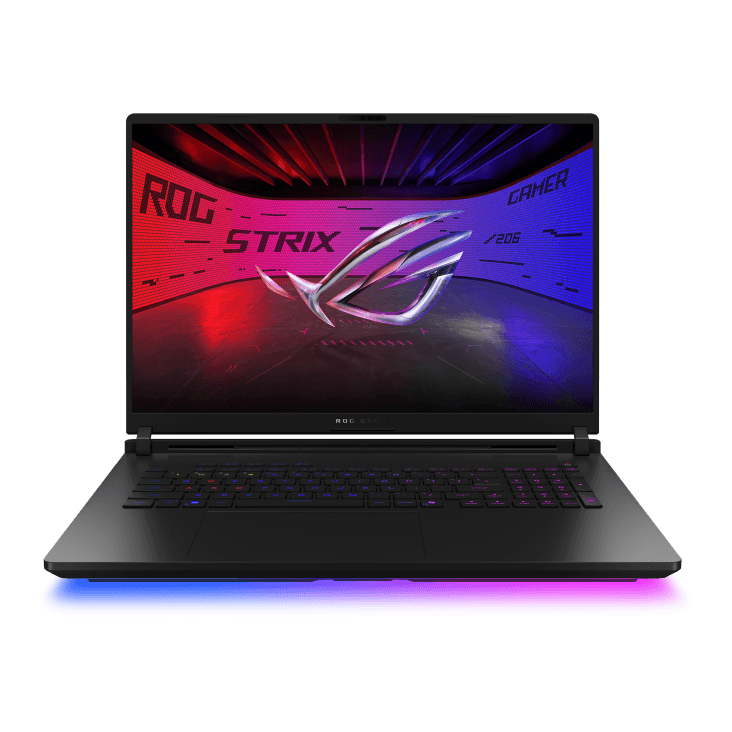
Asus is one of the rare brands in the world to standardize factory-installed "Liquid Metal" cooling in its Republic of Gamers (ROG) series. Repairing these devices with standard thermal paste would cause the computer to reach temperatures of 105 degrees Celsius and burn out the processor. The NumberPad integrated touchpads in the ZenBook series, the military-grade chassis of the TUF series, or the OLED screen technologies cannot be solved with a general "laptop repair" approach.
Instead of randomly disassembling the device during the initial inspection, we focus on the device's Asus-specific power draw specifications (for example, the VRM power supplies of a Scar model using a 280W adapter). This allows us to identify problems down to the smallest circuit, providing permanent solutions by repairing only the burned-out chip instead of costly motherboard replacements.
From case disassembly to black screen updates, we offer lab-developed solutions for Asus architecture-specific issues.
In Asus devices that suddenly shut down or receive no power, the input MOSFETs, charging ICs, and short-circuiting power coils are replaced using SMD assembly standards.
We offer screen repairs for impact damage, eDP socket repairs, or replacements of your ROG Nebula (144Hz/240Hz) IPS/OLED panels with genuine A+ quality parts.
The corrosion caused by the leaked liquid metal is cleaned, barrier sponges are replaced, and a resealed thermal assembly is installed to extend processor life.
Issues such as the case splitting in two when the screen is opened, as seen in ZenBook ErgoLift or TUF series models, can be fixed with strong industrial epoxy without the need for external screws.
Damage caused by liquids leaking from the keyboard to Asus I/O boards and bridge chips is attempted to be repaired through corrosion cleaning and redrawing the circuit traces.
In games, RTX series Asus graphics cards that give "Error 43" in Device Manager or cause blue screen errors are found to have faulty GDDR6 VRAM modules, which are then replaced with BGA modules.
Specifically, breakages in the yellow-tipped DC sockets or Type-C PD charging malfunctions in ExpertBook/ZenBook series are repaired by directly addressing the board itself.
Motherboards that become "bricked" after faulty BIOS updates via Windows Update or EZ Flash can be restored by externally writing the BIOS to them using EEPROM devices.
Even though they share the same brand logo, a gaming computer and a business computer require completely different repair methods for their problems.
These devices, which house some of the world's most powerful mobile hardware, focus on high-current VRM phase circuits, Vapor Chamber cooling, and Liquid Metal issues.
In the price-performance oriented TUF series, we typically repair cases such as thermal paste drying due to high temperatures, fan failures, and case explosions due to hinge stiffness.
We are working on issues such as PD (Power Delivery) charging via Type-C, OLED screen burn-in, and soldered RAM memory freezing in ultra-light and thin devices.
Models intended for everyday use typically offer support for broken adapter connectors (yellow tip), SSD upgrades to prevent system slowdowns, and keyboard malfunctions.
From the outside, you might say, "My device is a ROG Strix," but Asus completely changes the inside of the chassis every year. The same chassis can accommodate Intel and AMD processors, the number of pins on the displays (30-pin/40-pin), or the battery capacities may vary. Providing our technician with the exact model number (e.g., FX506LH, UX3402ZA) written next to the barcode on the bottom of your device is the most critical step in giving you a price for a compatible replacement part.
You won't have to deal with uncertainties or surprise prices. Your device will be examined using a professional methodology, your approval will be obtained, and it will be tested before being delivered to you.
The following steps are important both for quickly replicating (understanding) the problem within our service and for ensuring the security of your data.
Sometimes the reason your device shuts down isn't the motherboard, but a faulty 240W Asus adapter.
For hinge and case repairs, screen replacements, or thermal paste maintenance. Your disk will absolutely not be formatted. However:
If you spill liquid (tea, water) on your ASUS computer, you might wonder "has it dried?" Absolutely do not try pressing the power button! Remove the adapter, invert the computer into a V shape (tent shape) with the keyboard facing down, and contact our service center immediately before oxidation begins to prevent short circuits.
You can review our general BGA repair standards applied in our laboratory, as well as our informative technical guides on common computer malfunctions.
We've compiled the information you need to know about warranties, repair times, and Asus-specific MyAsus/Liquid Metal failures. If you have a different question, you can write to us with your exact model code.
ROG series coolers feature ultra-thin heatsinks specifically designed to take advantage of the incredible heat conductivity offered by Liquid Metal. Applying thick, standard thermal paste here would cause the device to hover around 100 degrees Celsius. However, since Liquid Metal also conducts electricity, amateurish disassembly and reassembly can cause it to flow onto the resistors on the motherboard, instantly burning out the processor. In our lab, the insulation tapes and insulation protectors that Asus discarded at the factory are replaced and professionally applied.
In Asus TUF series, the corner plastics of the case cannot withstand the resistance of the hinges that harden over time, and the brass bushings (screw holes) inside break. In our service, the hinge torque is adjusted, and the broken holes are repaired from the inside with industrial two-component epoxies, restoring them to their original shape for a much stronger result. We do not perform any screw-in repairs on the outer case.
If the fans are spinning, the keyboard light is on, but the Asus logo isn't appearing, the device has a "Black Screen" (No Display) error. This is usually caused by an interrupted automatic BIOS update via Windows, a short circuit in the RAM power supply circuit, or a GPU signal loss. Your device can be restored through chip programming and circuit repair without replacing the motherboard.
This is most likely not a malfunction. On Asus computers, the "Maximum Life Mode" or "Balanced Mode" in the MyAsus software may be enabled to extend battery life. Setting the battery to "Full Capacity Mode" will fully charge your battery. If your adapter still doesn't charge, your charging IC or battery should be tested in our laboratory to determine the problem.
If your device is still under legal warranty (and you haven't caused any user error that voids the warranty, such as breakage or liquid damage), we recommend sending it to an authorized Asus Turkey service center to avoid losing your right to free repair. We are an independent, private laboratory that performs chip-level repairs on devices whose warranty has expired or is deemed "out of warranty due to user error".
By providing the model code and the fault indication found on the bottom cover to our technicians via WhatsApp, you can receive an accurate repair time and price estimate.
ASUS, ROG, Zephyrus, Strix, TUF, ZenBook, VivoBook, and all other related product names are registered trademarks of their respective owners (ASUSTeK Computer Inc.). The brands, models, and logos on this webpage are used for informational purposes only (under Fair Use) to identify faulty devices and spare parts compatibility serviced by KTeknik. KTeknik Servis (Beylikdüzü) is an independent, privately held technology repair laboratory that services devices whose warranty has expired or is no longer valid, and has no organic (official) commercial affiliation with ASUS or its distributors.